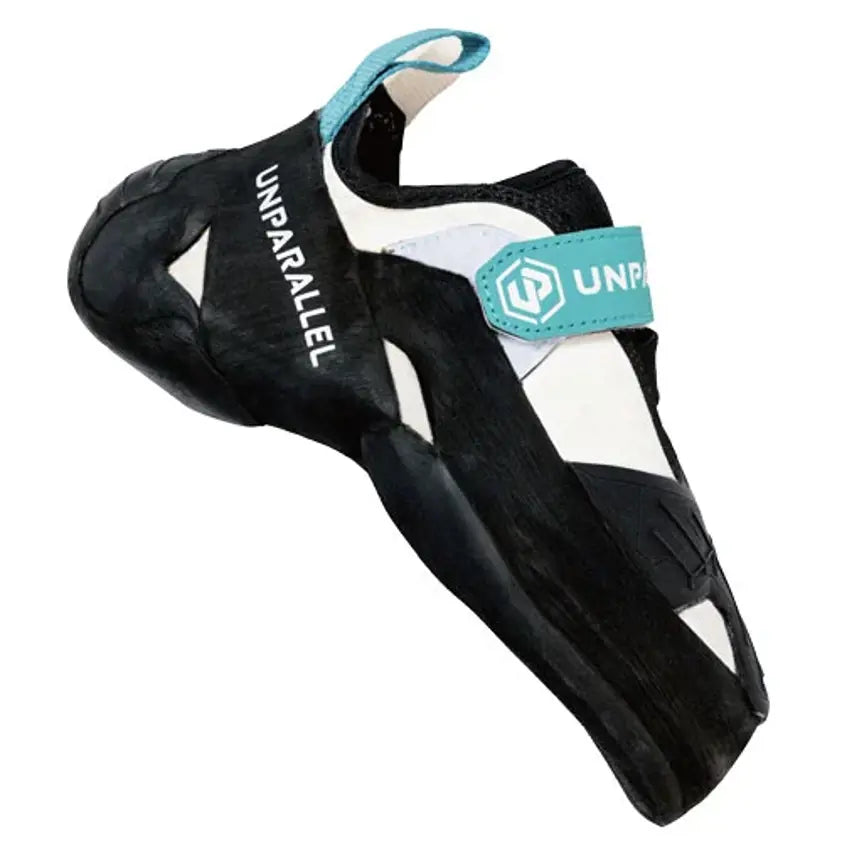
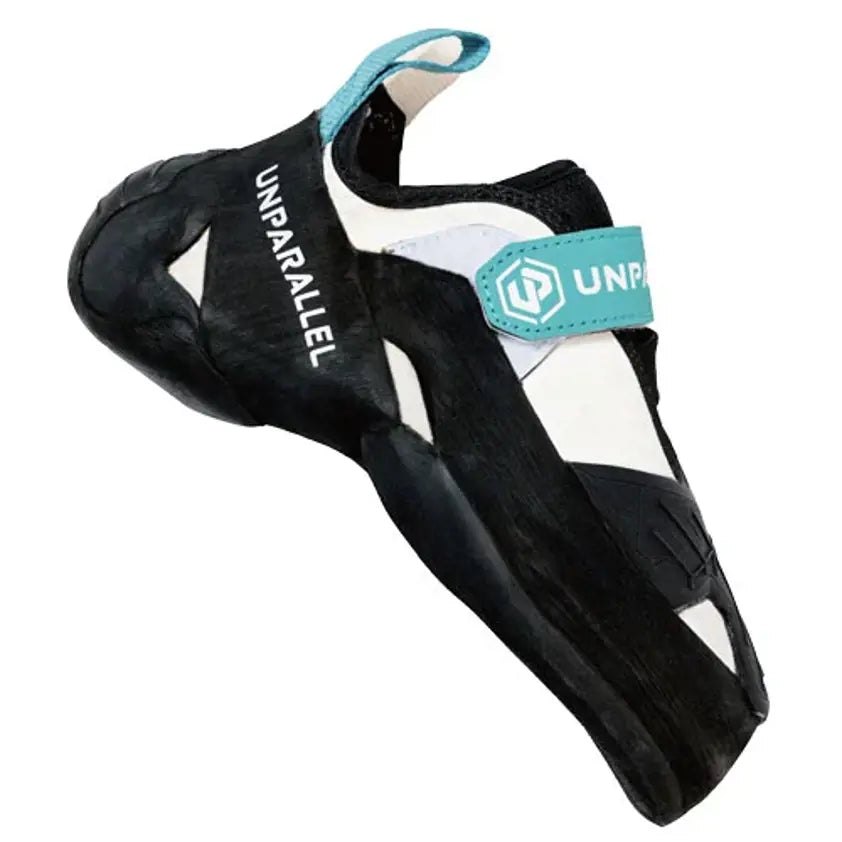
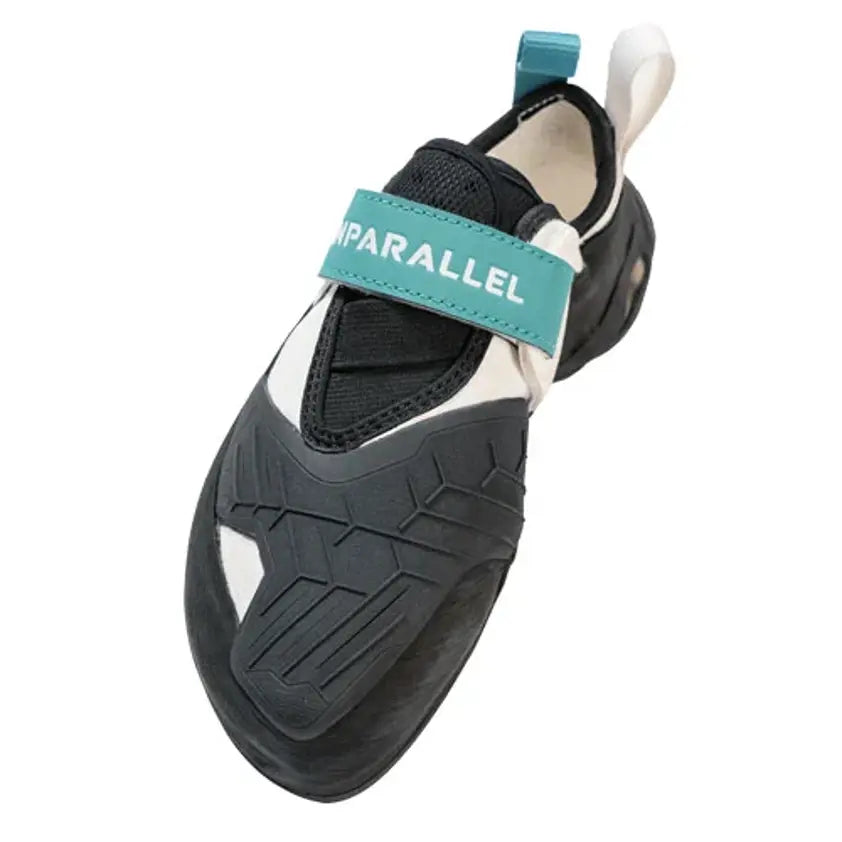
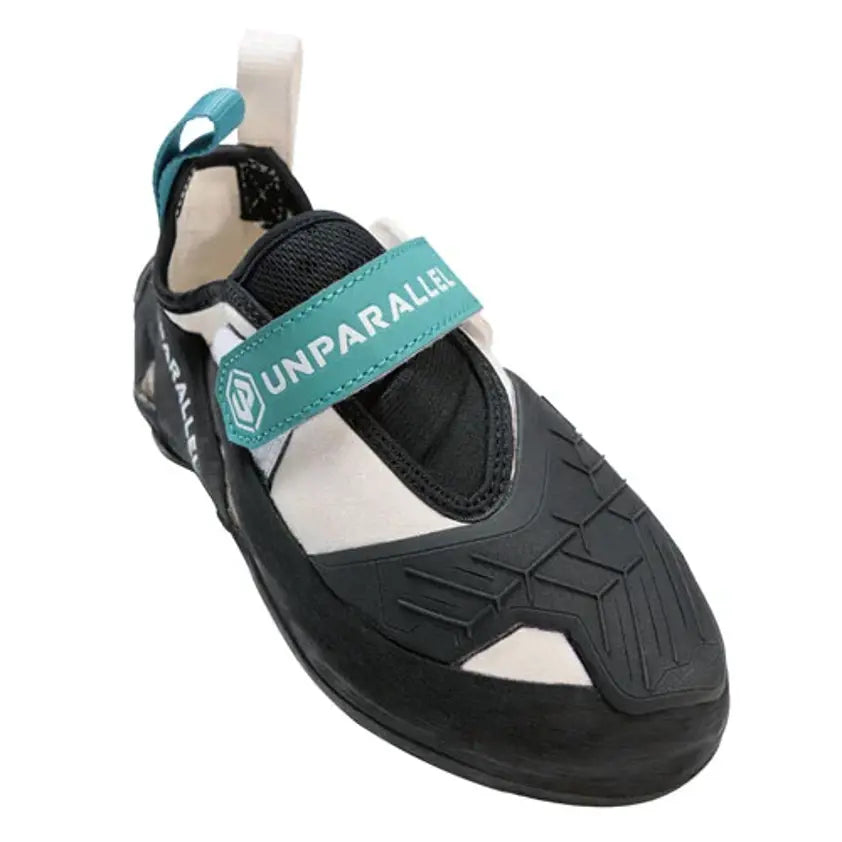
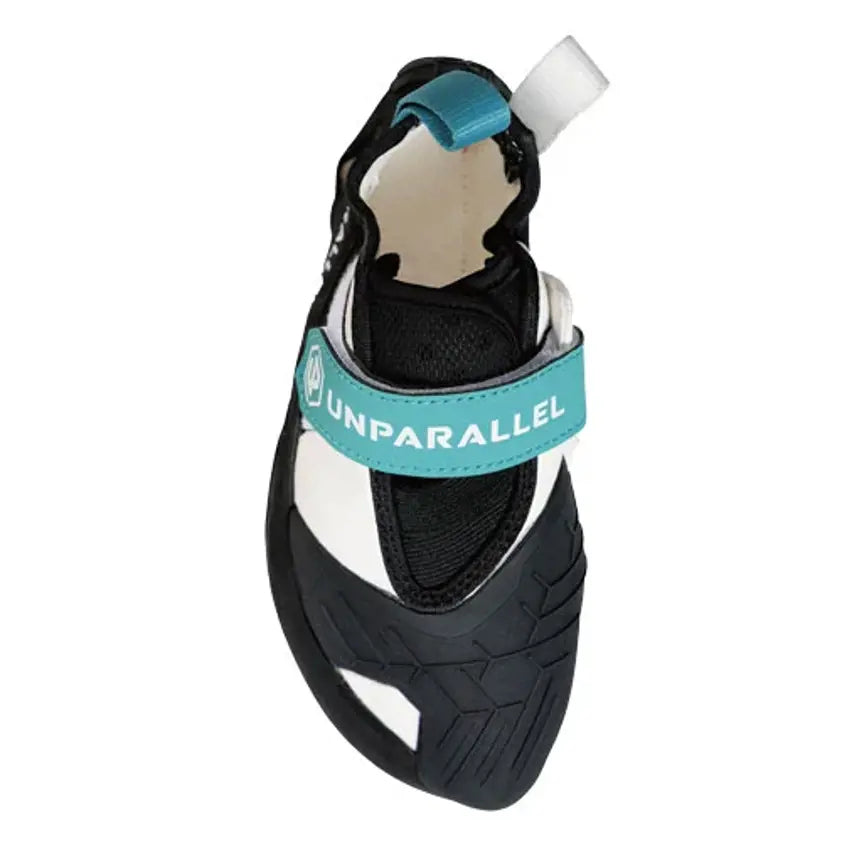
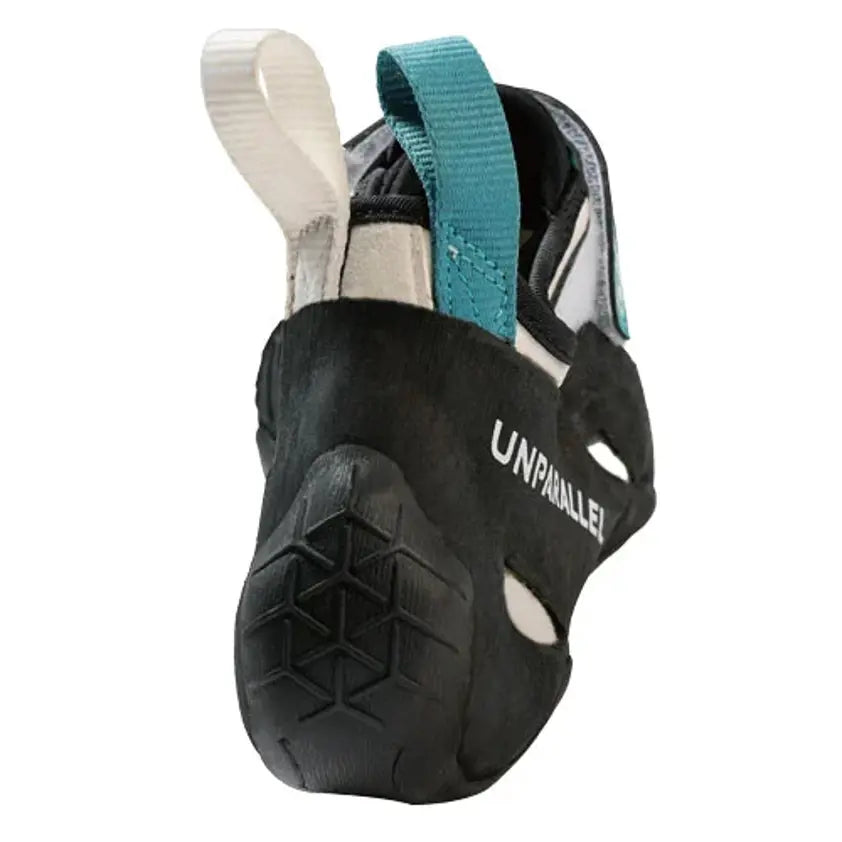
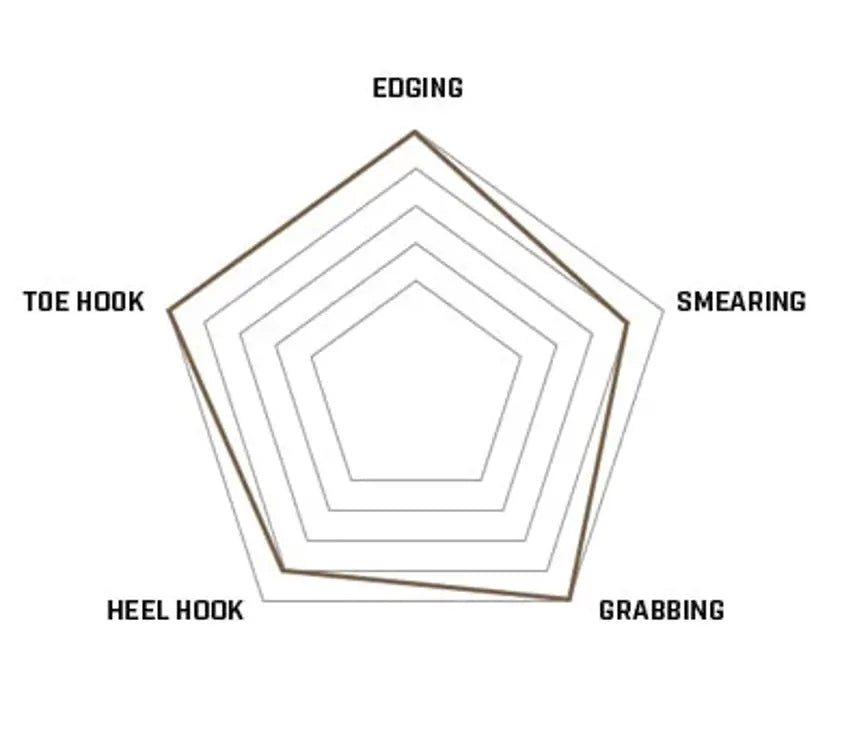
The Unparallel Orbit climbing shoe is an aggressive performance shoe you can keep on all session. It pairs a steep downturn and a split RH/RS rubber sole with enough comfort to push harder for longer, in the gym or outdoors.
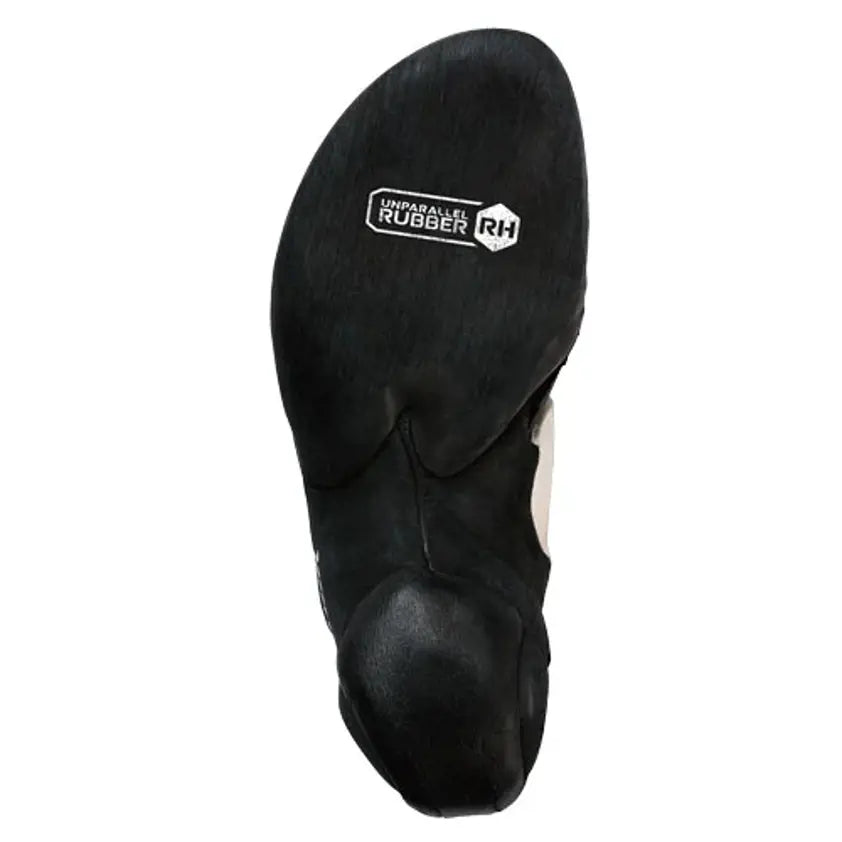
The 3.5mm moulded split sole puts RH rubber up front for precise placements on small holds and RS rubber at the rear, with a 3D moulded RS toe patch for toe hooks and a moulded heel outsole that locks in for secure heel hooks. A hard midsole gives you power and support, a breathable Ariaprene tongue keeps things comfortable, and a single Velcro strap gets you in and out quickly between attempts. Choose the Orbit when you want one aggressive shoe for steep, technical terrain that won't punish you on longer sessions.
Product Details
Colour: Black / Grey
Gender: Unisex
Age group: Adult
Size system: UK
Sizes in this listing: UK 3–11.5 (including half sizes where listed)
Upper material: Synthetic
Fit / volume: Aggressive performance fit
Why you'll love it
Performance and comfort – aggressive downturn for steep climbing, comfortable enough for extended sessions
High-friction rubber – 3.5mm moulded RH (front) and RS (rear) split sole for grip and sensitivity
Toe and heel hook ready – 3D moulded RS toe patch and moulded heel outsole for modern climbing
Hard midsole – power and support for precise foot placement on small holds
Quick on and off – single Velcro strap for fast adjustment
Good to know
Weight: 500g per pair
Fit: aggressive performance fit
Sizes: UK 3–11.5 in this listing (EU 37–48.5 range)
Upper: synthetic, vegan-friendly construction, with breathable Ariaprene tongue
Colour: Black / Grey
Who it's for
Intermediate to advanced climbers who boulder, sport climb or train indoors and want a precise, aggressive shoe for technical and overhanging routes without giving up all-session comfort.
Choosing a selection results in a full page refresh.
Opens in a new window.
PayPal Pay Later Messaging
Step 1: Choose message placement
Click the button below and then hover over your page to select a placement.
Step 2: Paste and save
You have copied the placement for the Product Page.
Go back to the App Embeds section, and in the Paypal Advanced Settings, paste the copied value into the
Product Page field and click the 'Save' button in the top right corner.