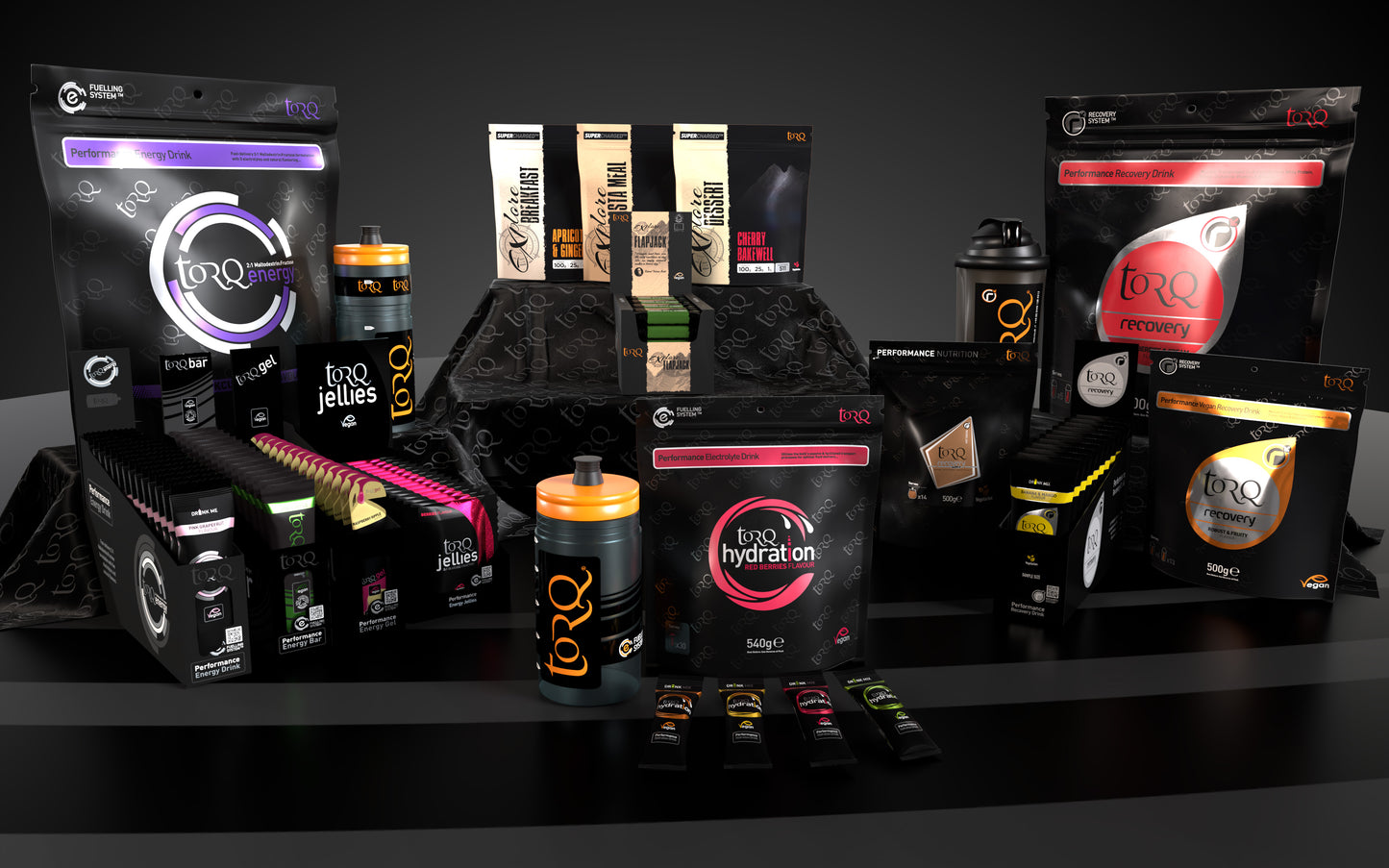
The TORQ Recovery Mixer Bottle & 4 Sachet Sample Pack gives you one 50g sachet of every TORQ Recovery Drink flavour plus a reusable TORQ mixer bottle. It's the easy way to find your favourite before committing to a bigger pack, and you get everything you need to mix a proper recovery drink after a session.
Each sachet is TORQ's 3:1 carbohydrate-to-whey-protein-isolate formulation with a full vitamin and mineral profile, plus glutamine and ribose. It mixes with water, so there's no milk and no blender needed, and you can drink it at the wall or the trailhead. TORQ recommends having it within 15 minutes of finishing exercise. Choose this pack if you're new to TORQ Recovery or want a travel-sized set for race weekends and multi-day trips.
Why you'll love it
Try all four flavours – Strawberries & Cream, Chocolate Mint, Cookies & Cream and Banana & Mango
Complete recovery formula – 3:1 carb to whey protein isolate with vitamins, minerals, glutamine and ribose
Mixes with water – no milk needed, so it works anywhere
Smooth, not lumpy – the bottle's internal strainer breaks up the powder
Reusable bottle – BPA-free with fluid-level markings for consistent mixing
Good to know
Includes: 1 x Strawberries & Cream, 1 x Chocolate Mint, 1 x Cookies & Cream and 1 x Banana & Mango (50g sachets), plus 1 x TORQ mixer bottle
Protein source: whey protein isolate
The bottle can be reused with TORQ Recovery Drink, protein powders and other powdered sports nutrition
How to use: add one sachet and the recommended amount of water to the bottle, secure the lid and shake thoroughly. Drink within 15 minutes of finishing training or your event
Who it's for
Climbers, boulderers, runners, cyclists, hikers and gym-goers at any level who want to replace carbohydrate and protein straight after exercise, and anyone curious about TORQ Recovery who'd rather taste all four flavours before buying a bigger pack.
Excellent selection, customer service and shipping. Big thanks to Nate for reaching out and getting delivered in time
PayPal Pay Later Messaging
Step 1: Choose message placement
Click the button below and then hover over your page to select a placement.
Step 2: Paste and save
You have copied the placement for the Product Page.
Go back to the App Embeds section, and in the Paypal Advanced Settings, paste the copied value into the
Product Page field and click the 'Save' button in the top right corner.