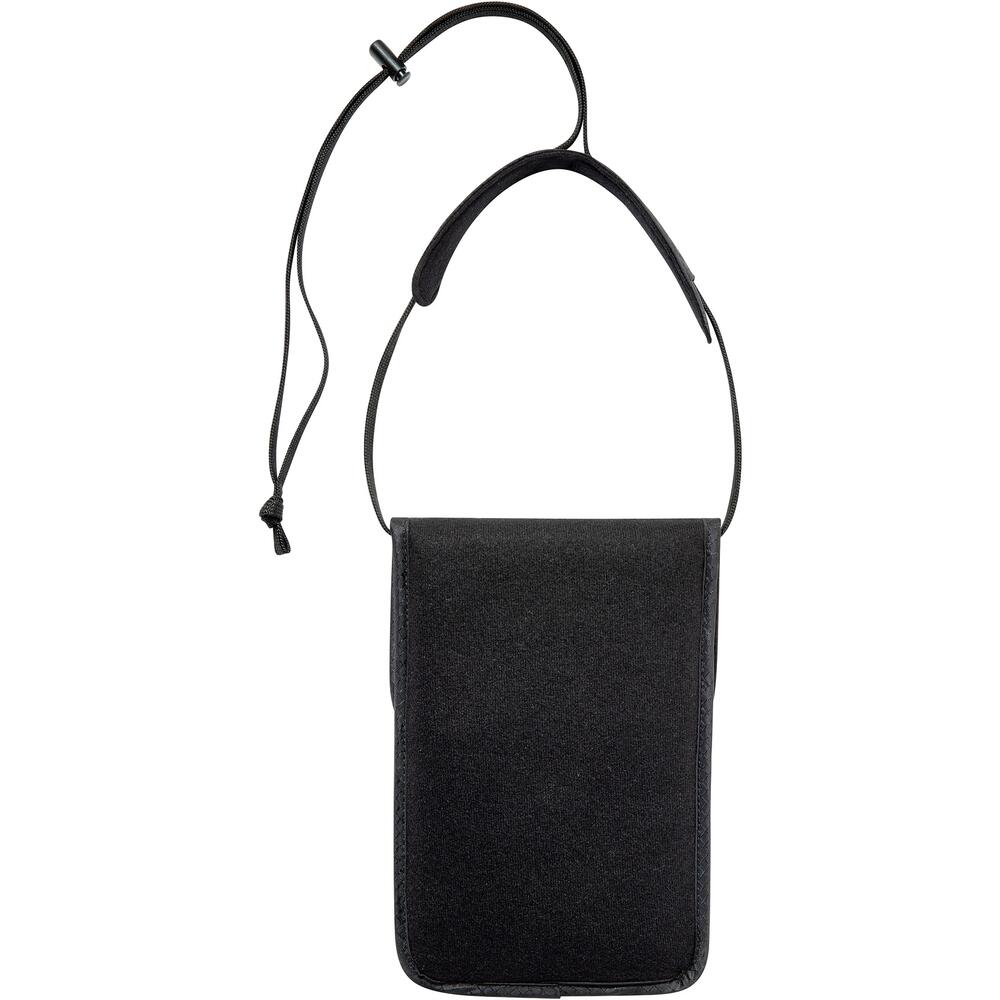
The Tatonka Skin Neck Pouch RFID B is a small, lightweight neck pouch with TÜV-certified RFID/NFC read protection. It is a discreet travel wallet for passport, cards and cash.
The pouch is made from skin-friendly material and is very pleasant to wear. A zip-up compartment and add-on pockets give you space for money, credit cards and an (EU) passport. The integrated CRYPTALLOY foil prevents unwanted reading of sensitive data on passports, hotel key cards and credit and bank cards, shielding frequencies from 100 kHz to 4 GHz, and its function has been tested and certified by TÜV Saarland. Wear it in front of your belly, or sideways as a shoulder bag using the adjustable neck strap with its soft neck and shoulder rest. It has a PFC/PFAS-free finish.
Product Details
Colour: Black
Material: Skin-friendly material with PFC/PFAS-free finish
RFID protection: CRYPTALLOY foil, TÜV Saarland tested and certified
Carry: Worn in front of the belly or sideways as a shoulder bag
Why you'll love it
RFID/NFC protection – foil shields passports, key cards and bank cards
TÜV-certified – function tested by TÜV Saarland
Comfortable to wear – skin-friendly material
Adjustable strap – soft neck and shoulder rest, worn at the front or as a shoulder bag
Room for essentials – zip compartment and add-on pockets
Good to know
Space for money, credit cards and an (EU) passport
Zip-up compartment plus add-on pockets
Adjustable neck strap with soft neck and shoulder rest
RFID shielding from 100 kHz to 4 GHz
PFC/PFAS-free finish
Who it's for
Travellers who want passport, cards and cash close to the body, comfortable and protected from electronic theft.
Choosing a selection results in a full page refresh.
Opens in a new window.
PayPal Pay Later Messaging
Step 1: Choose message placement
Click the button below and then hover over your page to select a placement.
Step 2: Paste and save
You have copied the placement for the Product Page.
Go back to the App Embeds section, and in the Paypal Advanced Settings, paste the copied value into the
Product Page field and click the 'Save' button in the top right corner.