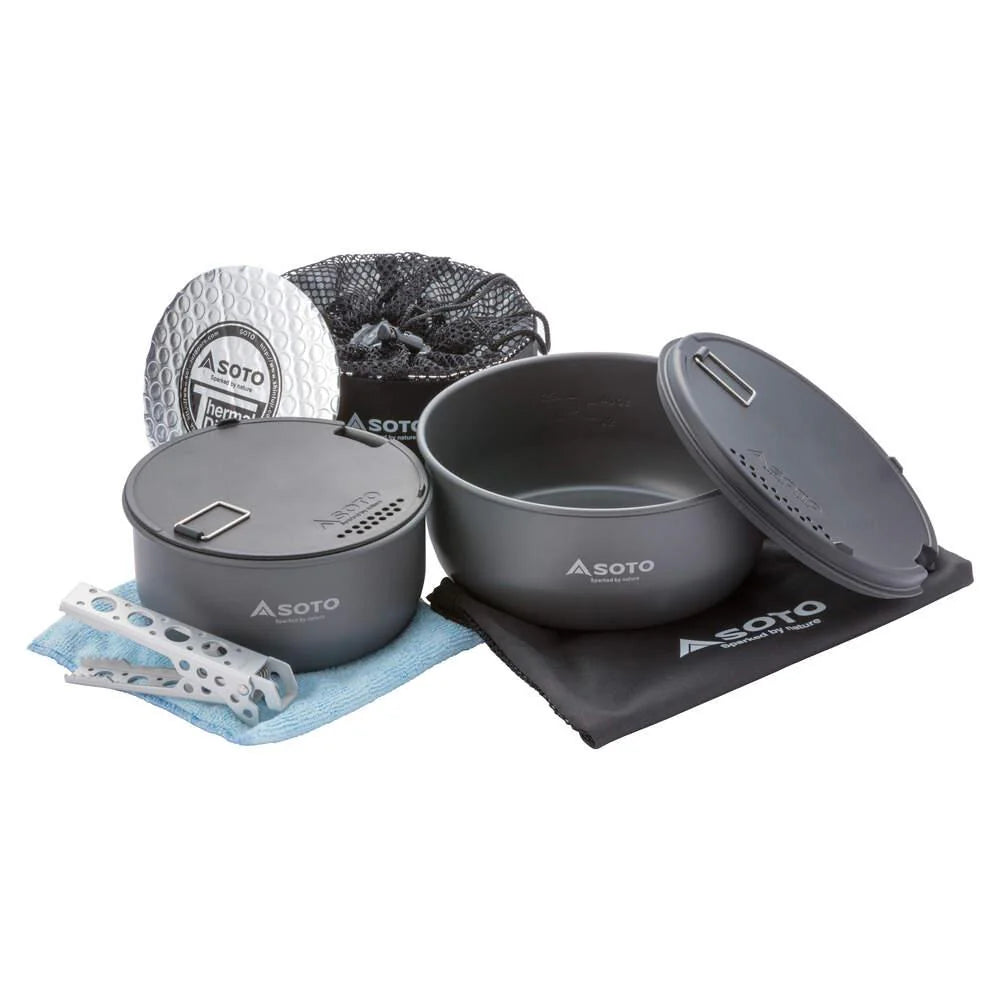
The SOTO Navigator Cook Set is a 480g nesting cook system in hard anodised aluminium that keeps food hot up to six times longer than a standard pot. It cooks for one or feeds a group, and packs a lot of function into one compact stack.
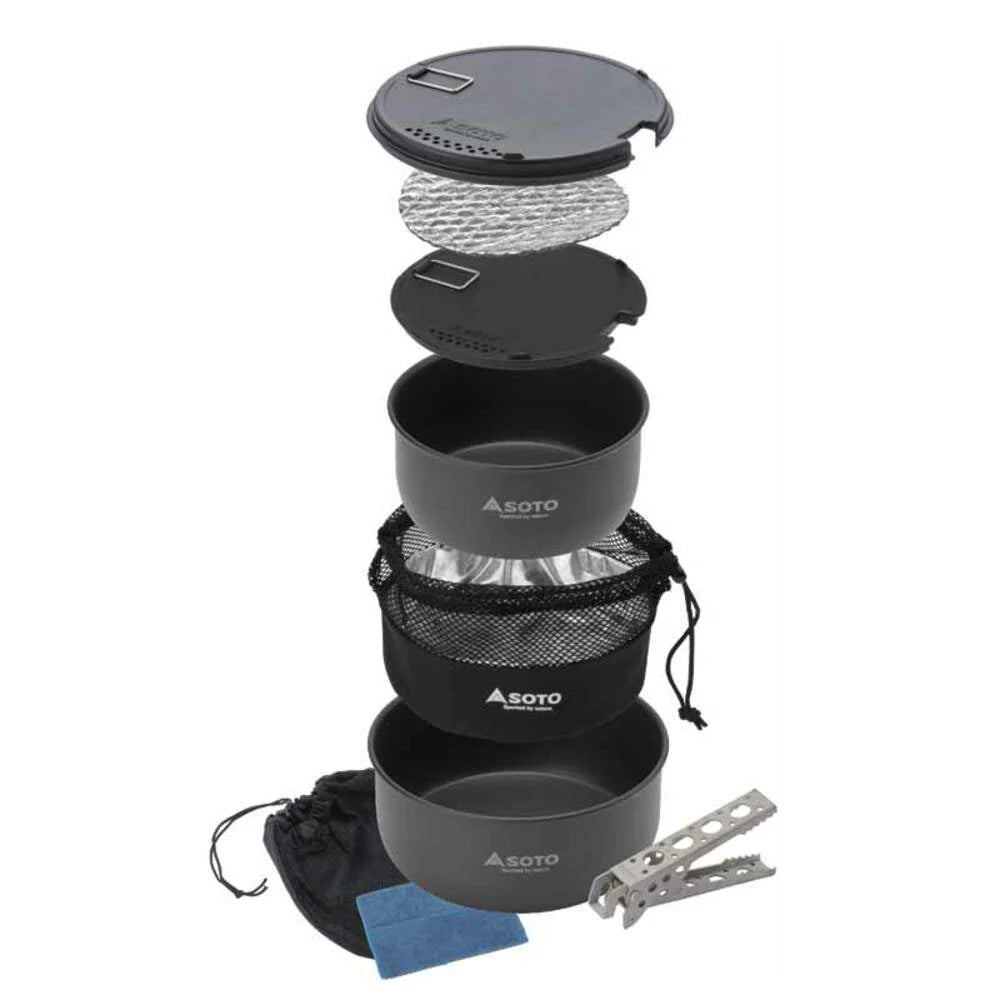
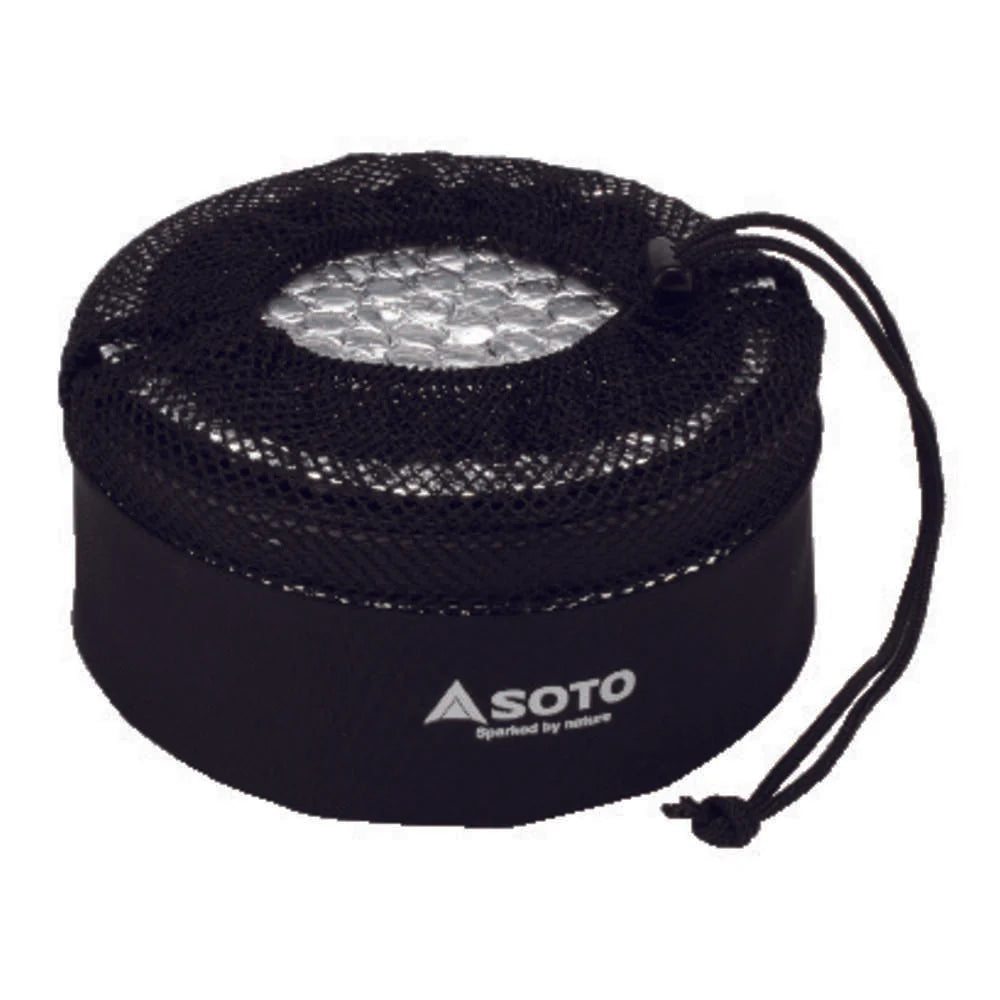
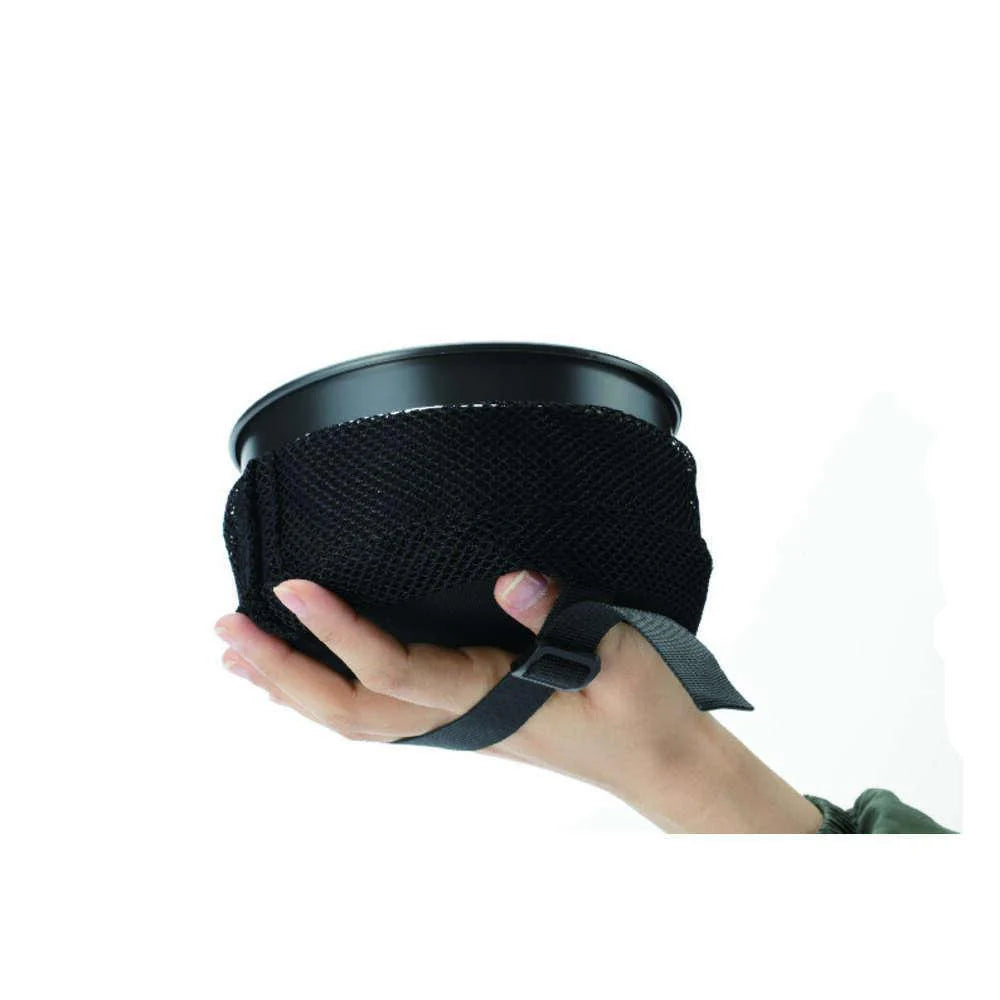
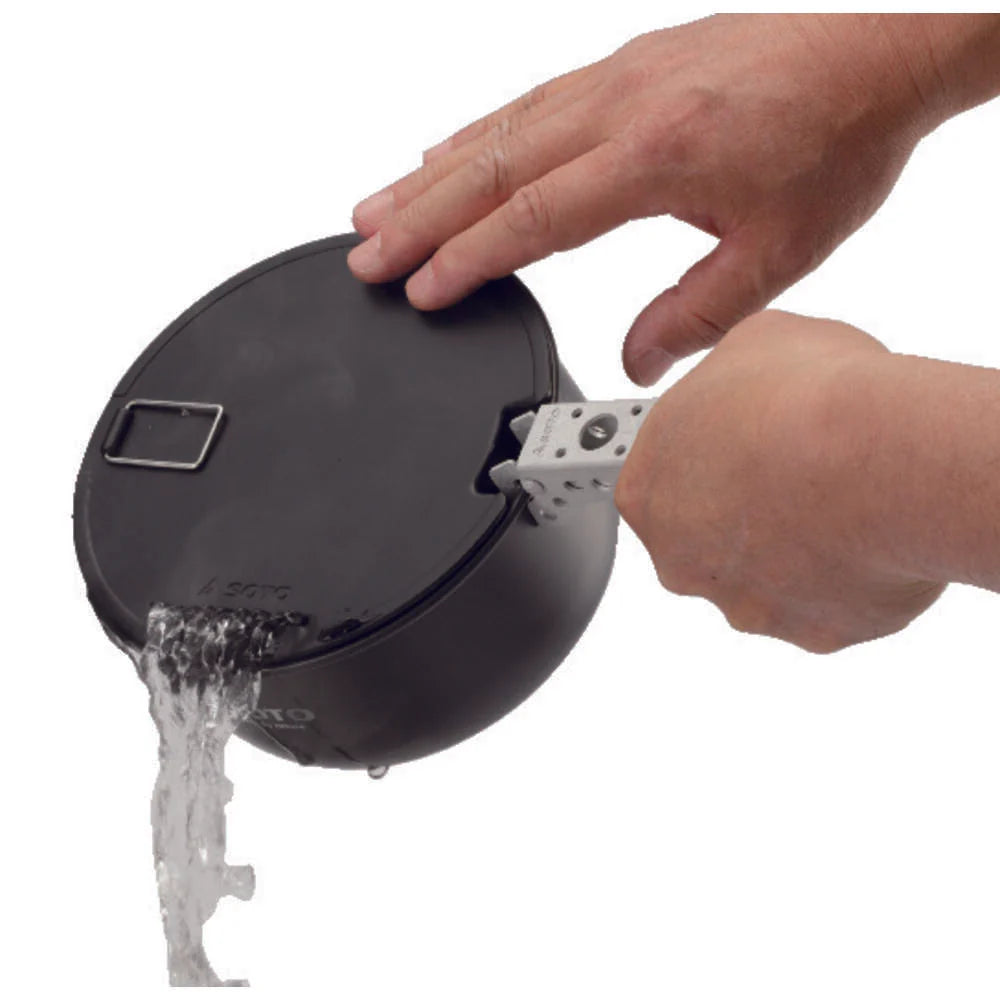
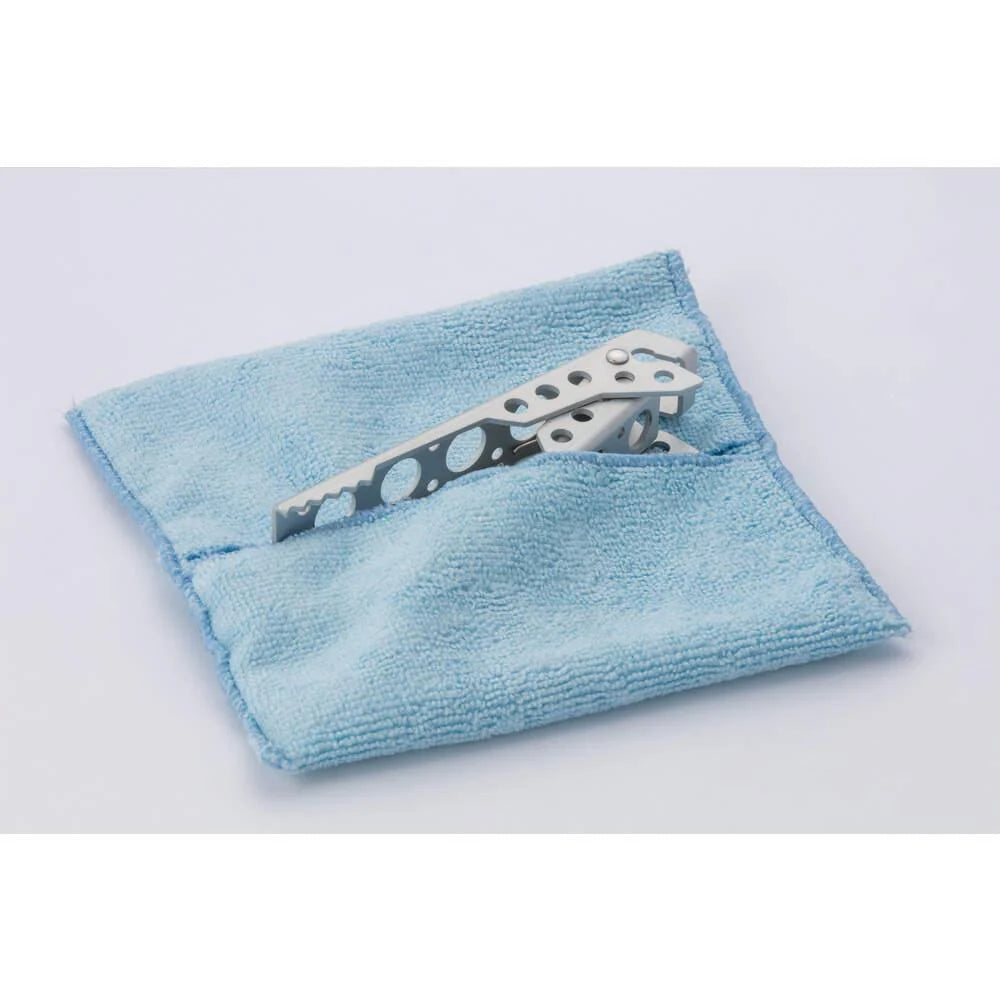
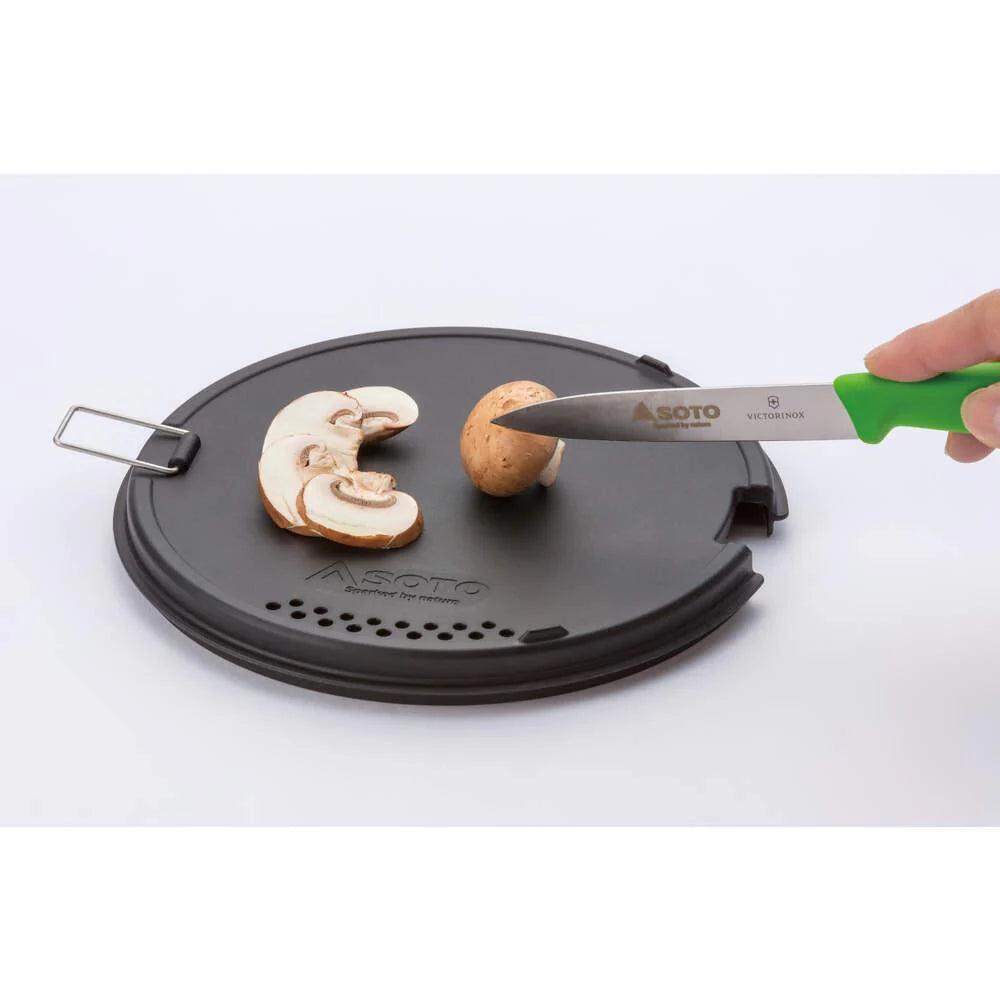
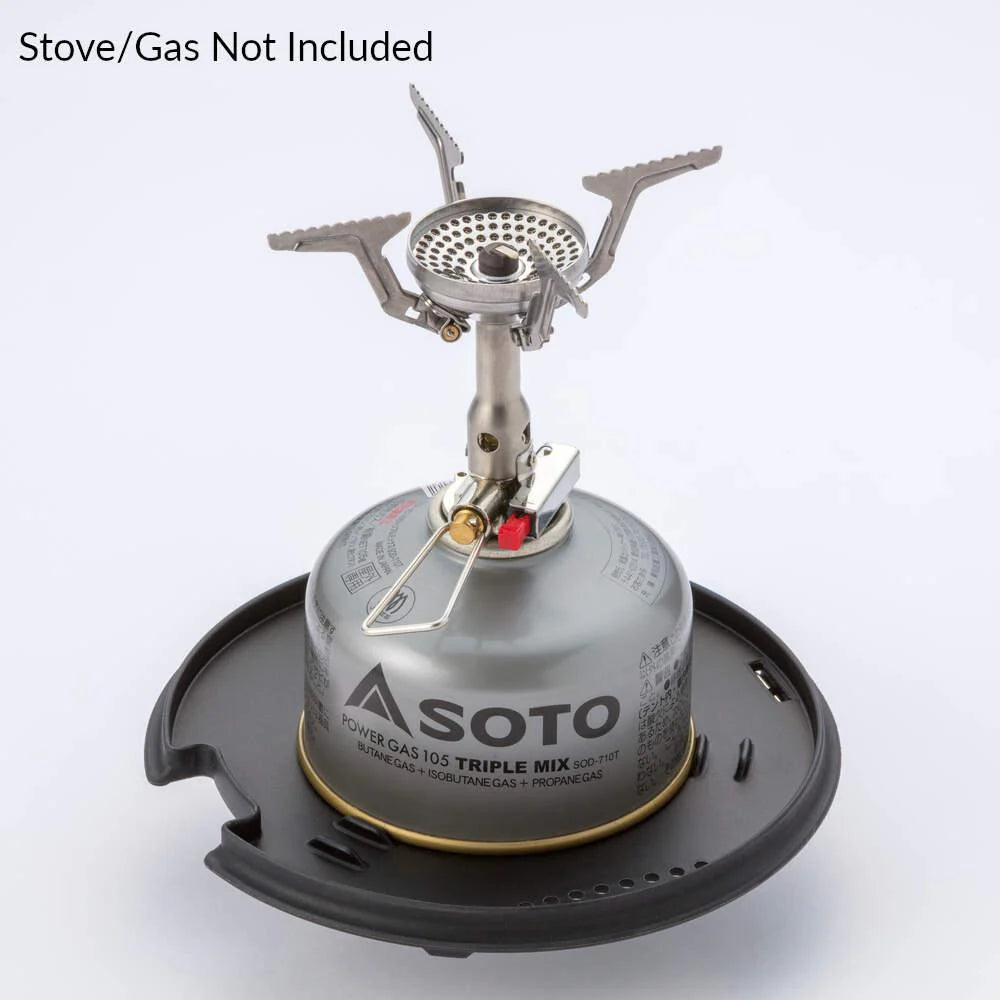
The clever bit is the thermal system: a thermal disc and an insulated sleeve (SOTO calls it the Kozy) that sit around the pot, holding heat so your food stays hot and your stove burns less gas. Around that you get two pots, two lids that double as a strainer, cutting board and gas canister stabiliser, and the Navi Duo Gripper, which is a pot handle and pair of tongs in one. A non-slip base keeps the pots planted on the stove.
Everything nests into a single unit and drops into the included carry bag. Choose it if you want one cook set that covers multi-day treks and group camps without a bag full of loose pans.
Product Details
Material: Hard anodised aluminium
Weight: 480g
Why you'll love it
Complete system – pots, lids, gripper, cloth and bag in one kit
480g fully packed – light for a set that can feed a group
Food stays hot longer – thermal disc and Kozy sleeve, up to 6x longer than standard pots
Every piece works twice – lids strain, chop and stabilise your gas canister
Fuel efficient – heat retention means less gas burned
Good to know
In the box: 2 pots (large and small), 2 multi-use lids, thermal disc and insulated Kozy cover, Navi Duo Gripper, microfibre cloth, carry bag
Material: hard anodised aluminium, lightweight, durable and easy to clean
Non-slip pot base; all components stack into one compact unit
Who it's for
Backpackers and campers on multi-day treks, especially those cooking for two or more, who want a light, organised system rather than a mismatched bag of pans. Minimalists cooking solo will appreciate how much it does for 480g.
Choosing a selection results in a full page refresh.
Opens in a new window.
PayPal Pay Later Messaging
Step 1: Choose message placement
Click the button below and then hover over your page to select a placement.
Step 2: Paste and save
You have copied the placement for the Product Page.
Go back to the App Embeds section, and in the Paypal Advanced Settings, paste the copied value into the
Product Page field and click the 'Save' button in the top right corner.