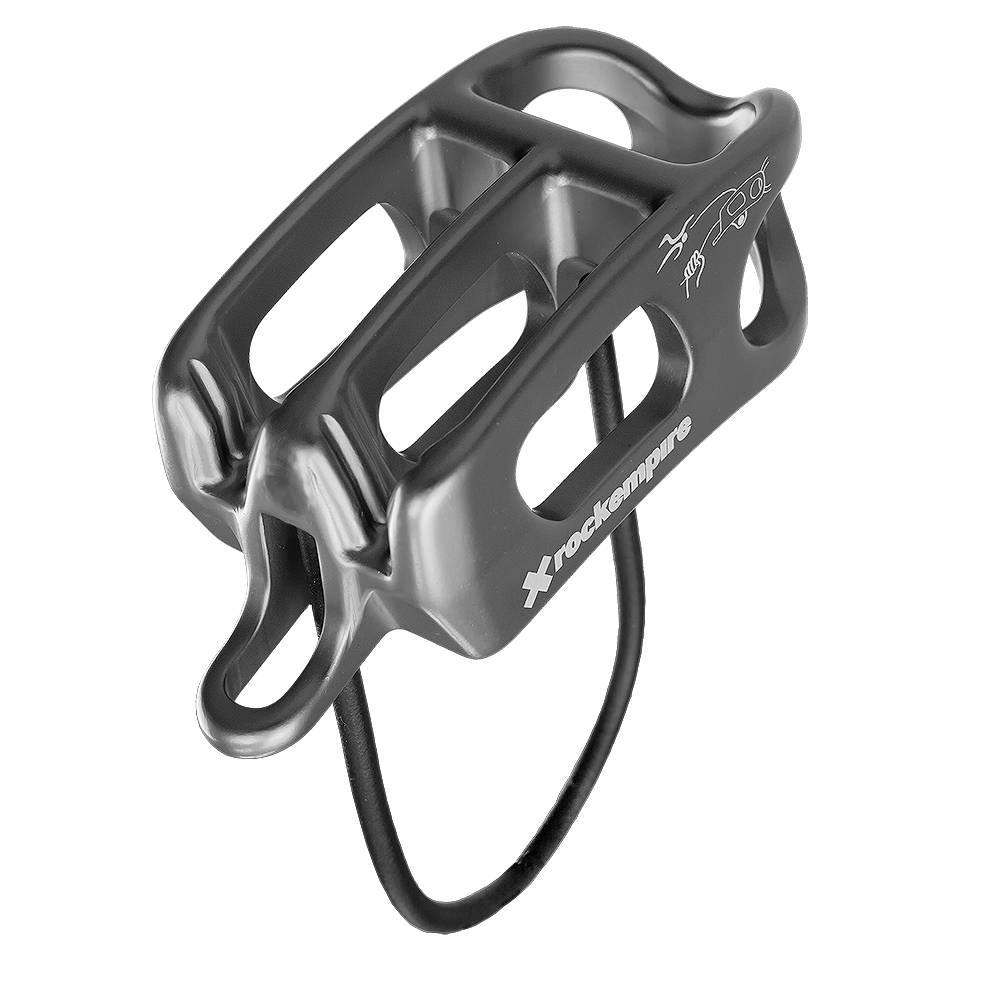
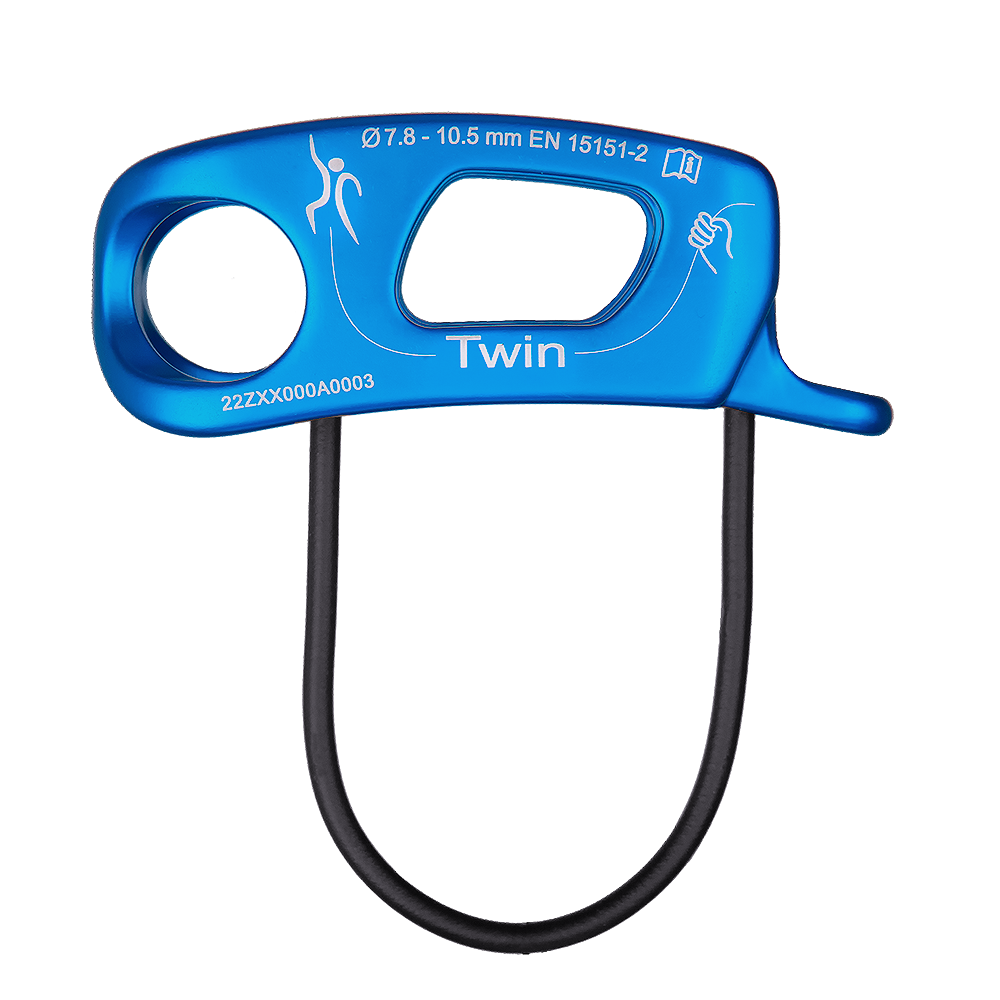
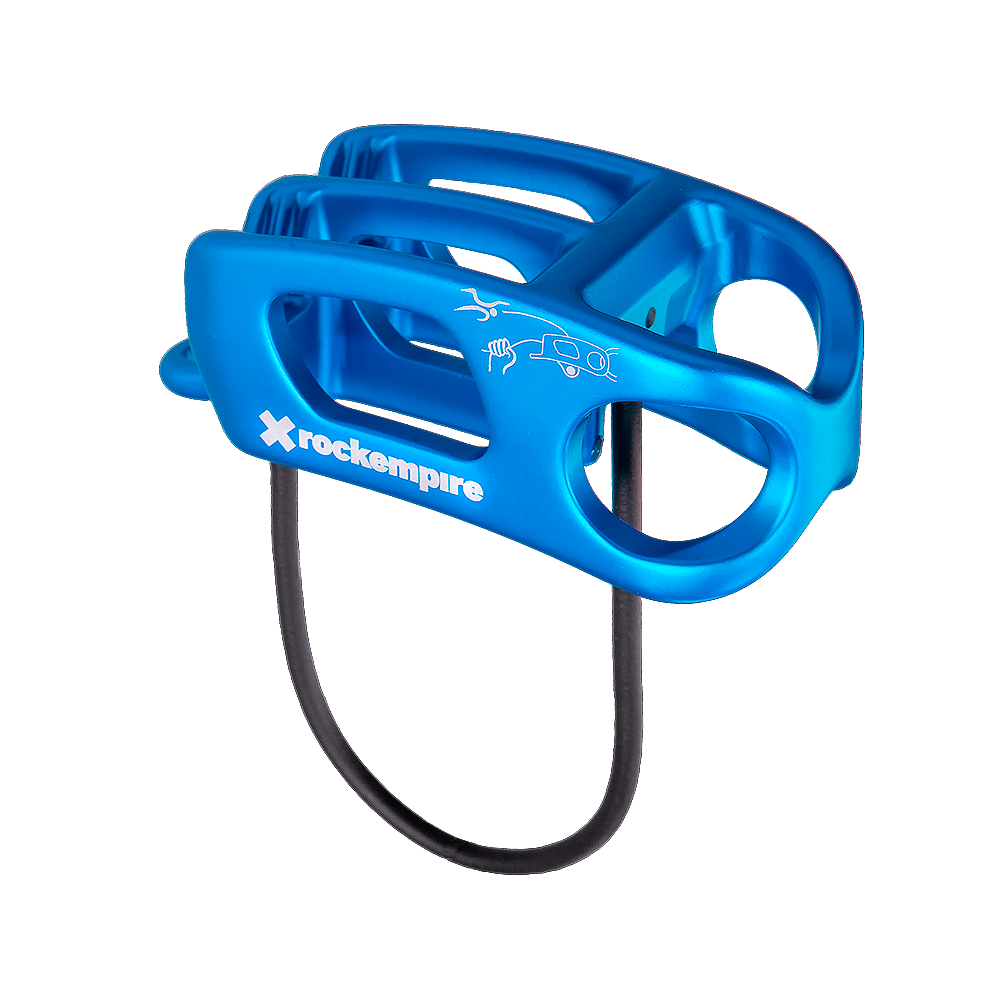
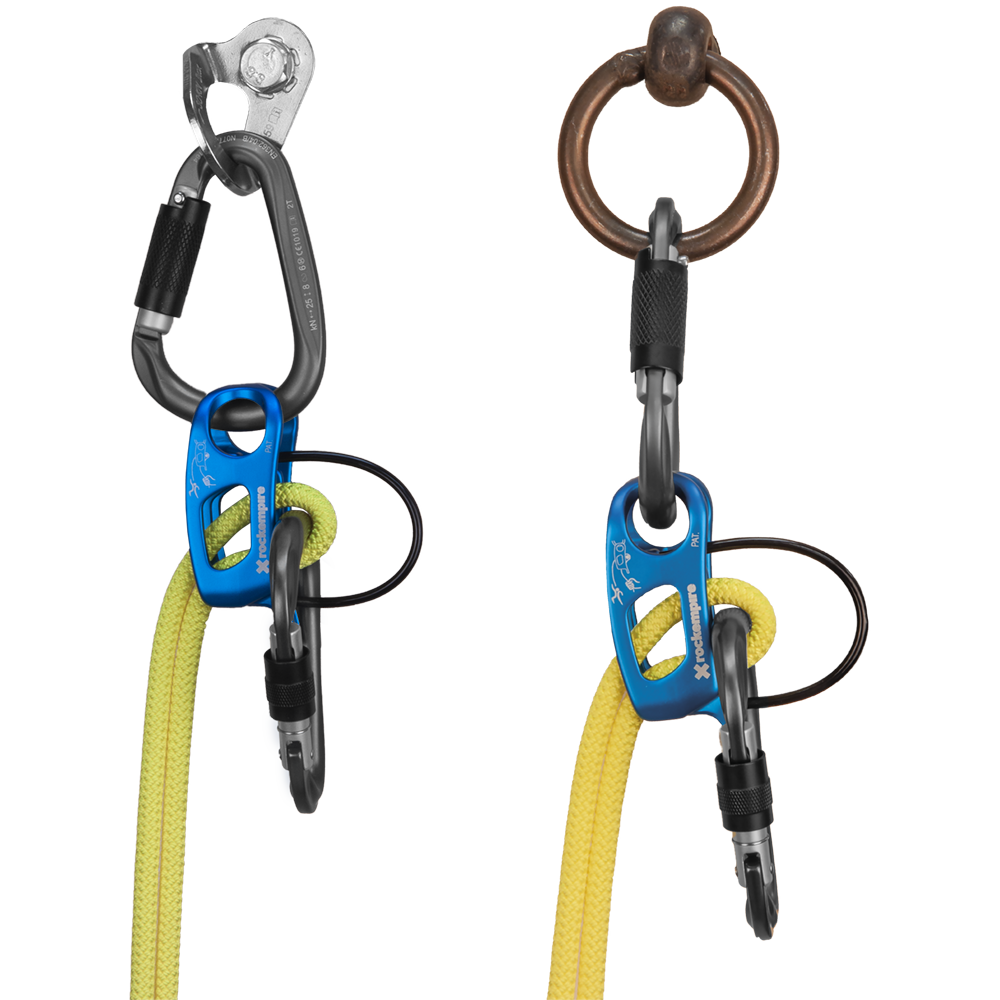
The Rock Empire Twin Belay Device is a patented tube-style belay and abseil device built around a rotating attachment that aligns itself at the anchor. In guide mode it sits correctly on both bolt hangers and anchor rings, so the rope runs clean instead of grinding against the rock.
The dual-position attachment rotates through 90° to suit different anchor types, which is what gives it a cleaner rope path and less drag when you're bringing up one or two seconds. V-shaped friction grooves give controlled braking, rounded rope channels reduce wear, and a release opening lets you lower a weighted climber under control from guide mode. It takes single or double ropes from 7.8 to 10.5 mm, weighs 76 g and is certified to EN 15151-2. Choose the Twin when you climb multi-pitch routes and want a light, smooth guide-mode device for lead belaying, top belaying and abseiling.
Product Details
Colour: Aqua, Black, Grey
Material: Aluminium
Weight: 76 g
Rope diameter: 7.8 - 10.5 mm
Certification: EN 15151-2
Why you'll love it
Patented rotating design – dual-position attachment turns 90° to align correctly with bolt hangers and anchor rings
Cleaner rope path – less rope-on-rock contact, less drag and less wear
Optimised guide mode – smoother, more controlled belaying of one or two second climbers
Controlled lowering – release opening lets you lower under tension from guide mode
Versatile – lead belay, top belay and abseil on single or double ropes
Lightweight and compact – 76 g of aluminium for multi-pitch days
Good to know
Rope diameter: 7.8 to 10.5 mm, single or double ropes
Weight: 76 g
Material: aluminium
Certification: EN 15151-2
Colours: Aqua, Black or Grey
V-shaped friction grooves and rounded rope channels
Who it's for
Intermediate and advanced climbers on multi-pitch sport and alpine routes who belay from the anchor, bring up one or two seconds and abseil off. A good match for anyone who has been frustrated by a standard guide plate jamming against the rock.
Excellent selection, customer service and shipping. Big thanks to Nate for reaching out and getting delivered in time
PayPal Pay Later Messaging
Step 1: Choose message placement
Click the button below and then hover over your page to select a placement.
Step 2: Paste and save
You have copied the placement for the Product Page.
Go back to the App Embeds section, and in the Paypal Advanced Settings, paste the copied value into the
Product Page field and click the 'Save' button in the top right corner.