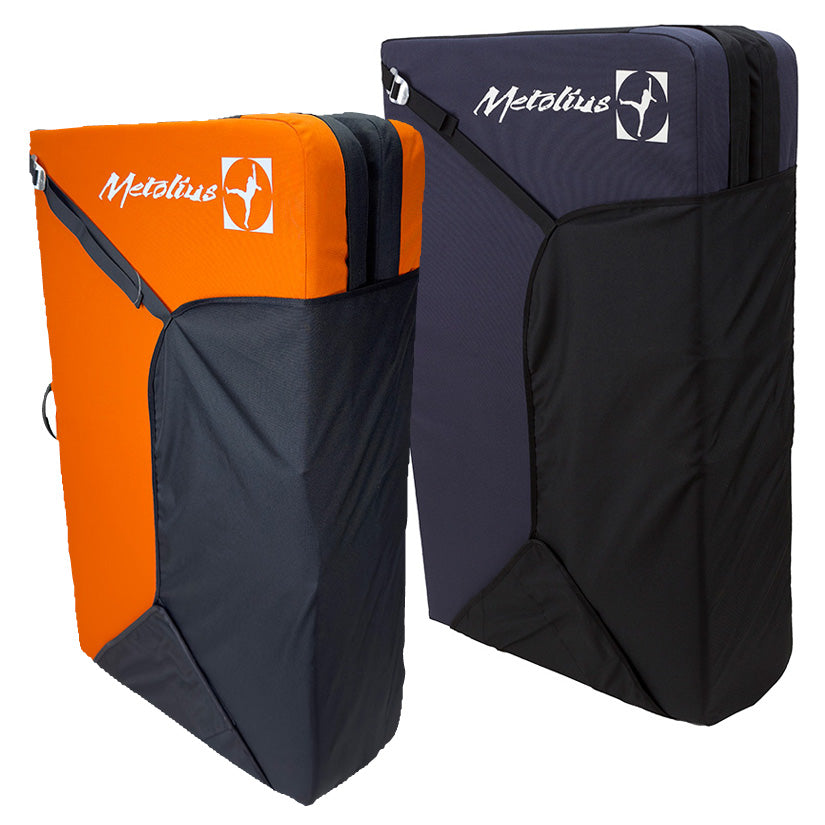
The Metolius Session II Crash Pad is a lightweight folding bouldering pad that makes an excellent first pad. At 4 kg with a 91.4 × 121.9 cm landing area, it's one of the most popular pads in Metolius's range for good reason: dependable protection in a package you'll actually enjoy carrying.
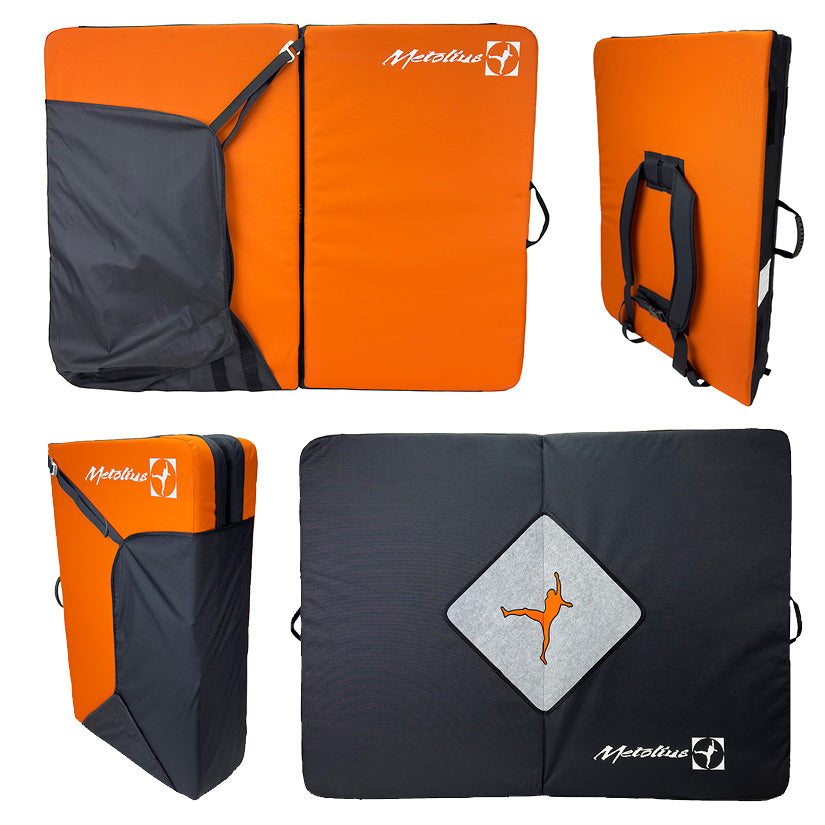
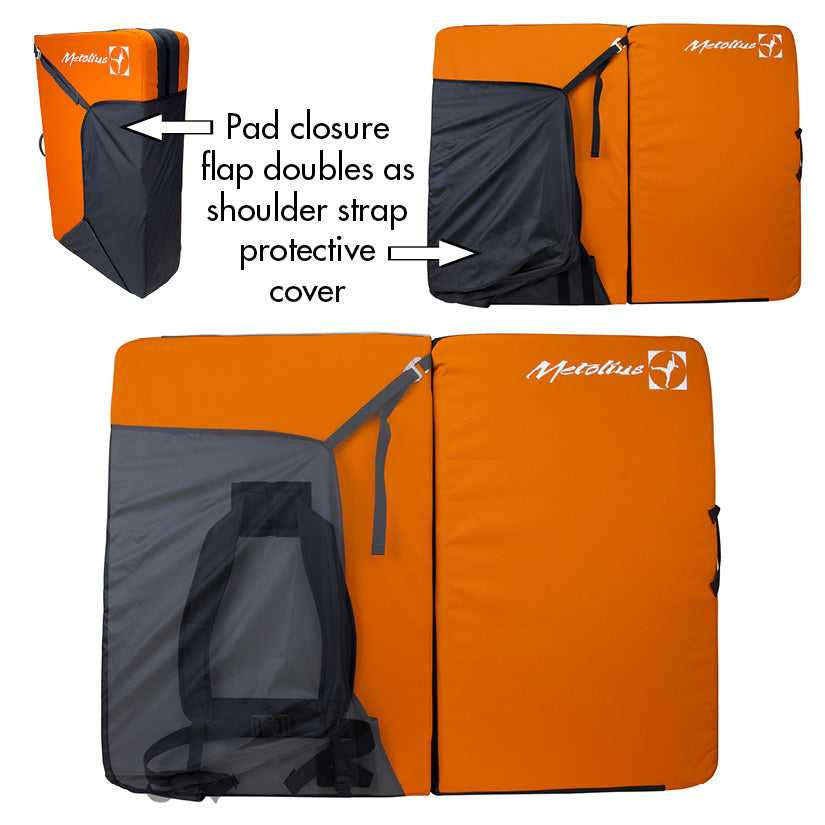
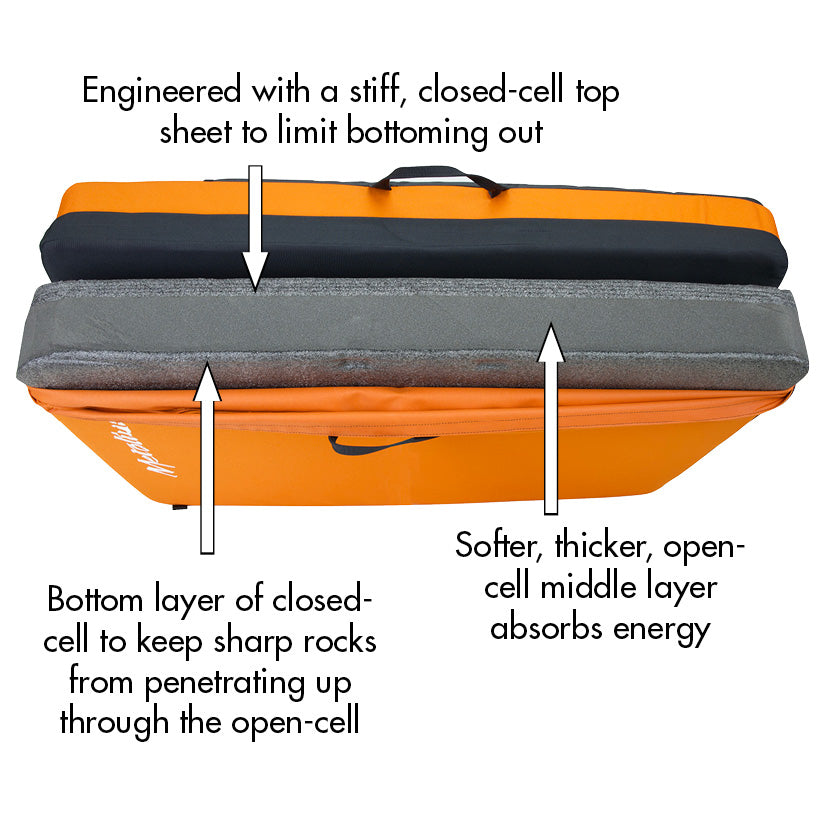
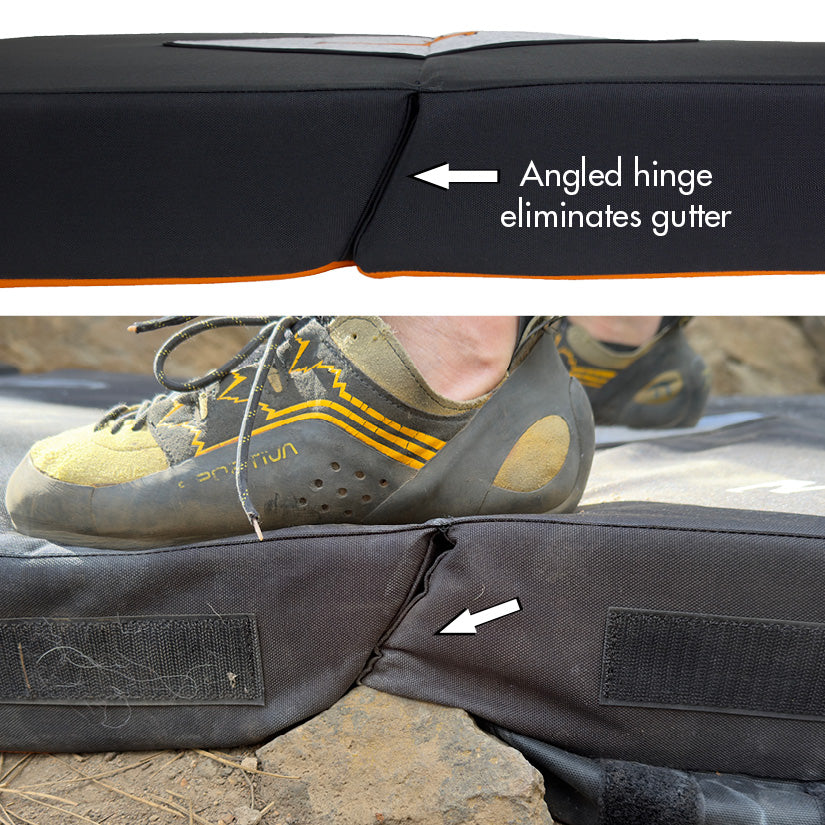
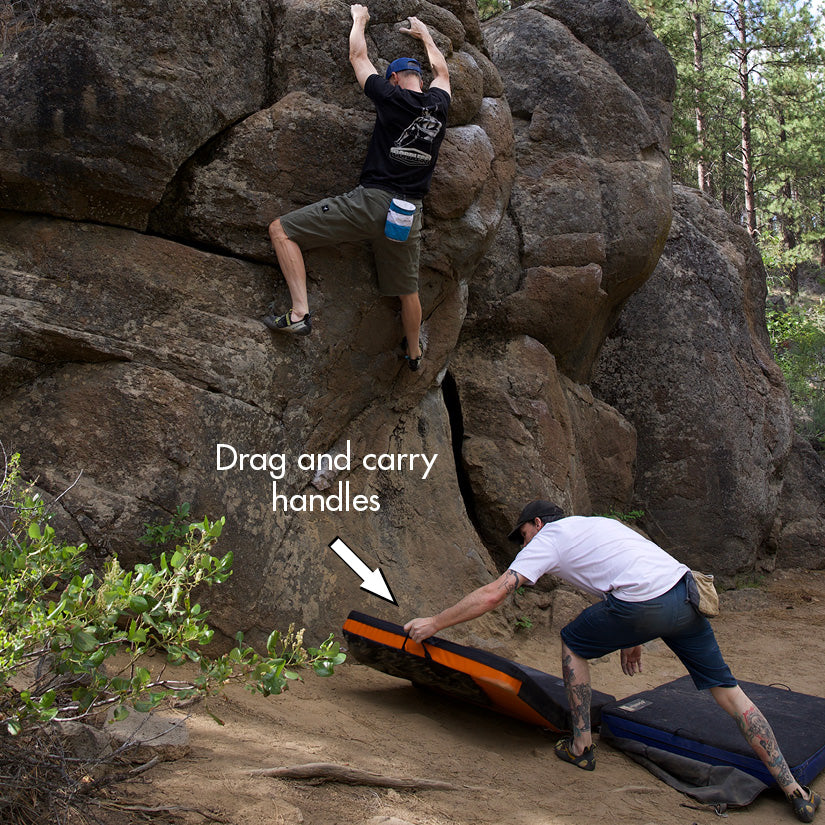
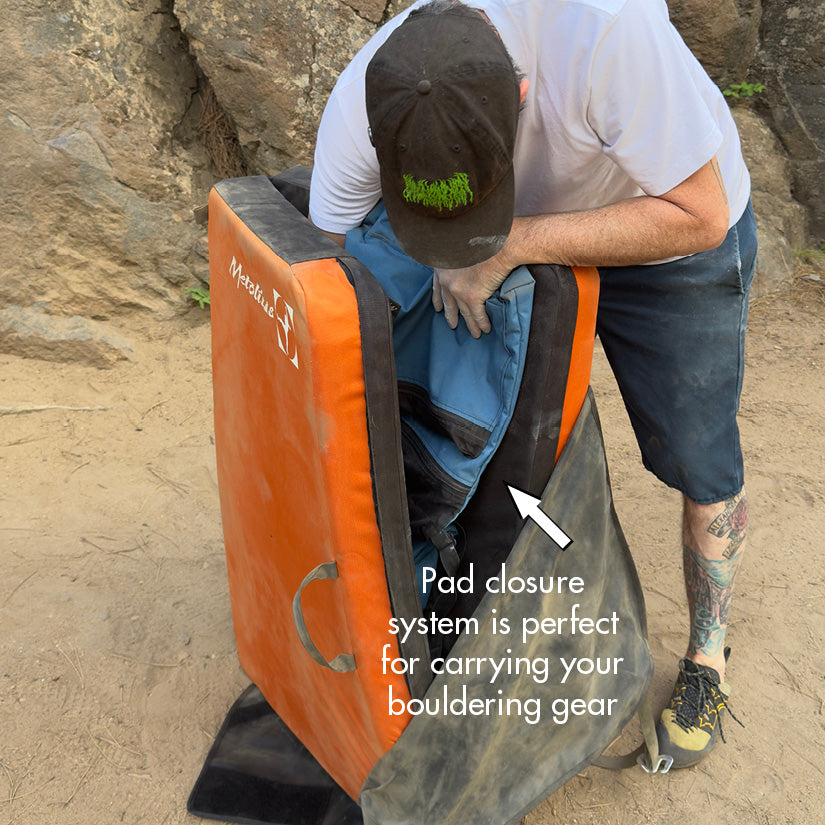
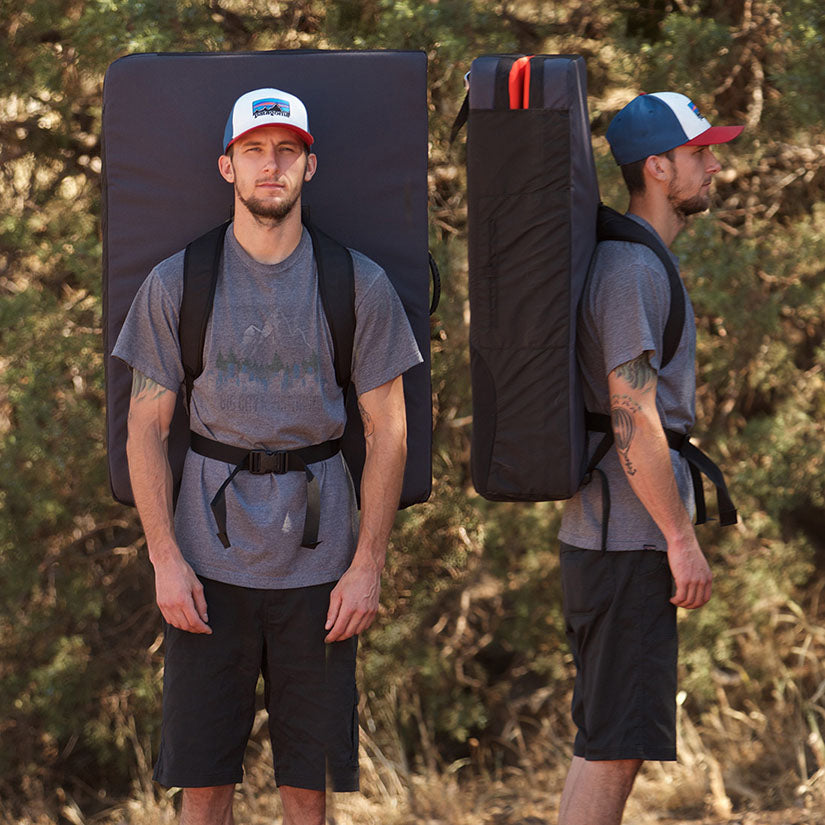
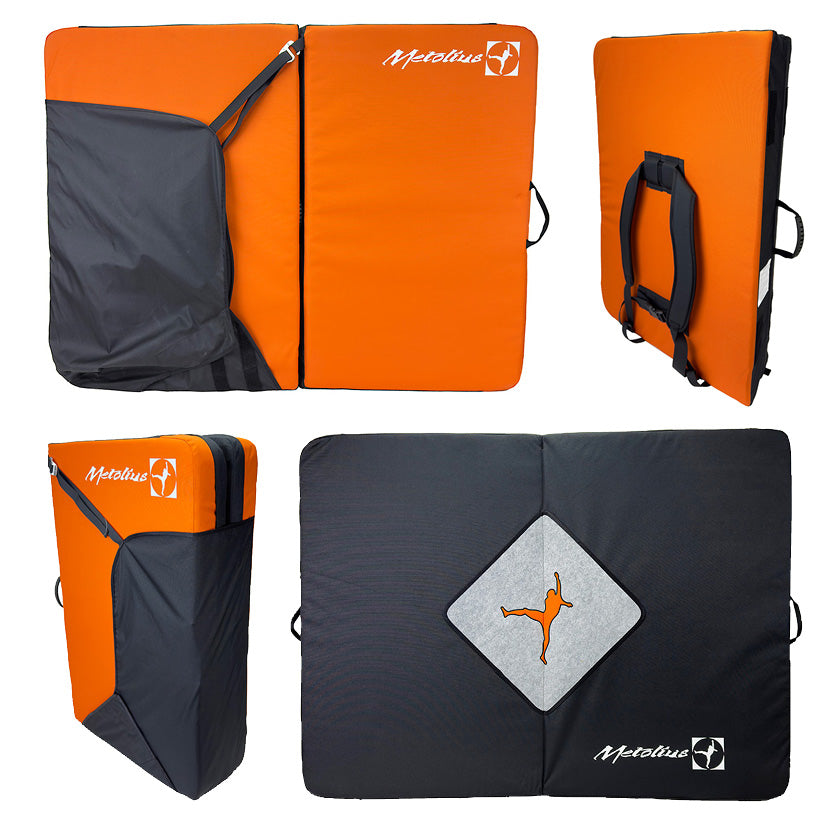
The 4" sandwich foam pairs a closed-cell top layer that spreads the impact with an open-cell core that absorbs it, and angle-cut hinges close the centre gutter between the sections. The 900D outer fabric shrugs off abrasion, the redesigned flap closure makes loading your kit inside easier and covers the shoulder straps while you climb, and dual drag handles let you shift the pad between attempts.
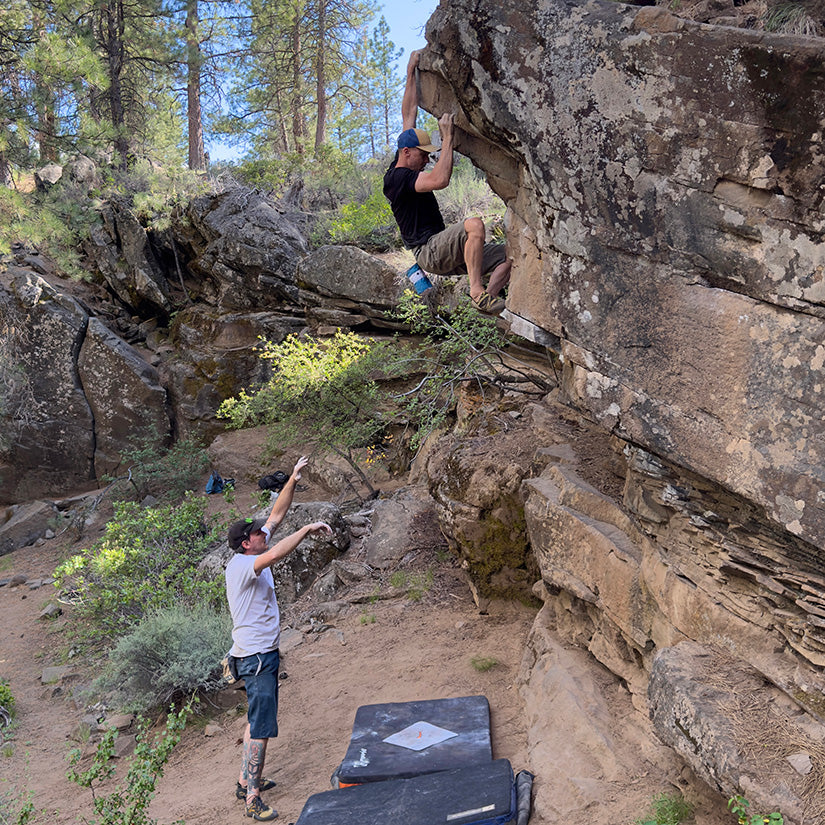
Pick the Session II if you're moving from indoor to outdoor bouldering, want a pad for short approaches and everyday sessions, or plan to build a modular system over time. Metolius's Recon offers more coverage in a balanced size, and the Magnum is the maximum-coverage option.
Product Details
Colour: Grey, Orange
Weight: 4 kg
Why you'll love it
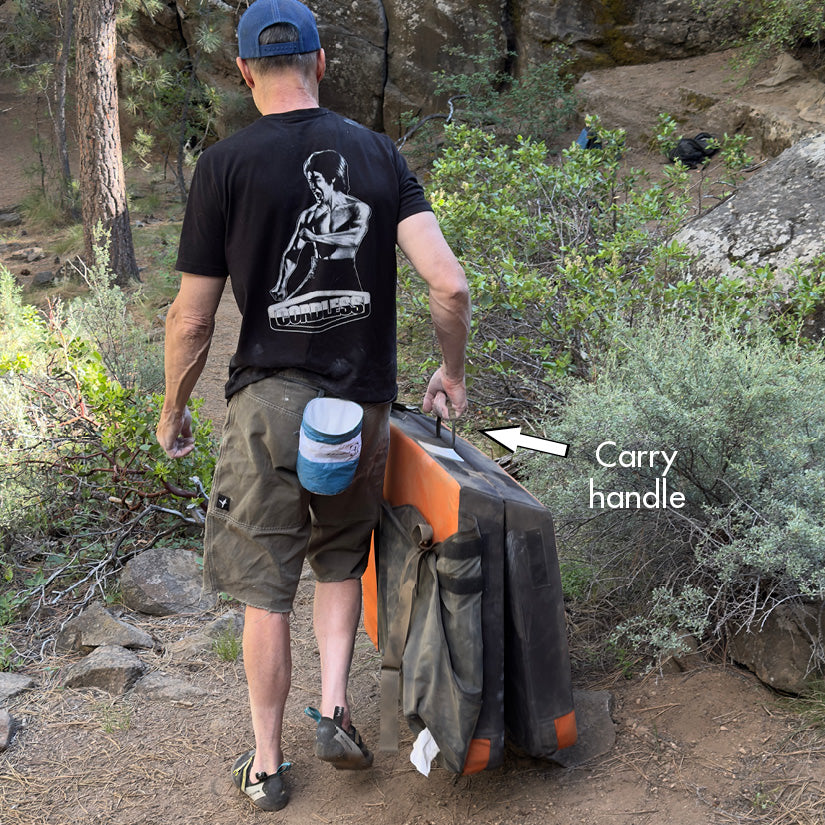
Light and portable – 4 kg, easy to carry and store
Proven protection – 4" sandwich foam with angle-cut hinges
Quick to reposition – dual drag handles for moving between attempts
Tough – 900D outer fabric and speed-hook aluminium buckles
Great first pad – ideal for new outdoor climbers
Good to know
Open size: 91.4 × 121.9 × 10.2 cm
Folded size: 91.4 × 66 × 20.3 cm
Weight: 4 kg
Foam: closed-cell top layer over an open-cell core, 4" total
Redesigned flap closure for easier loading; the flap covers the shoulder straps in use
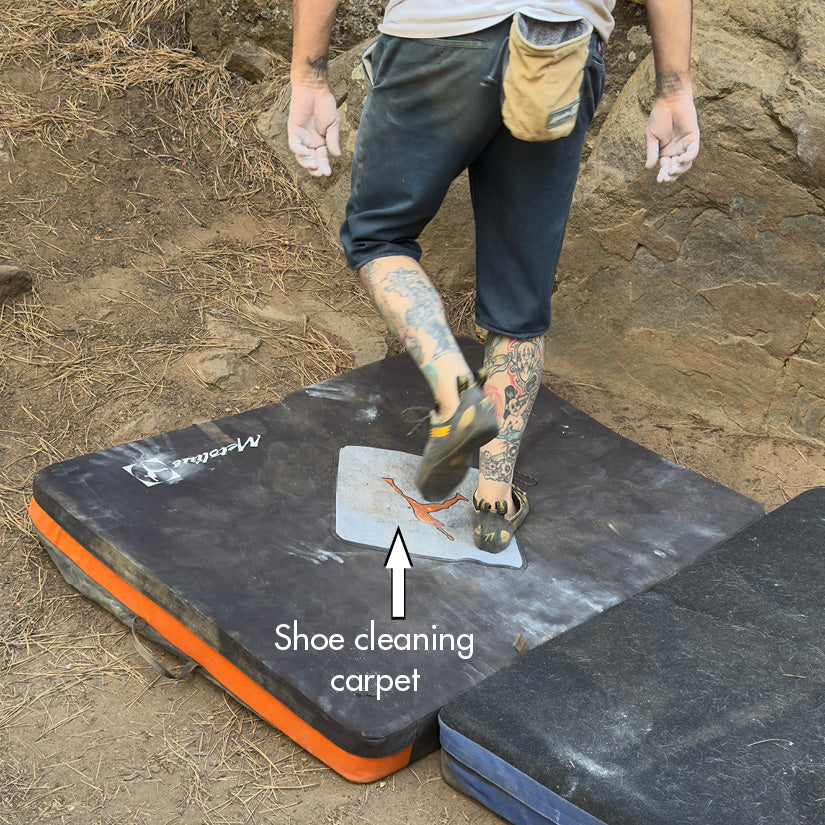
Cross-clipper logo rug for cleaning your shoes
Colours: Black/Grey (grey) and Rust/Black (orange)
Who it's for
Beginner and intermediate boulderers buying their first crash pad, climbers making the indoor-to-outdoor transition, and anyone who wants a light pad for short approaches and everyday sessions. It also makes a sensible extra pad in a modular setup.
The product was exactly what I wanted. All a very easy process
— samhi90 (via eBay)
c
clockworkownage
Fast delivery, thanks!
Fast delivery, thanks!
— clockworkownage (via eBay)
Choosing a selection results in a full page refresh.
Opens in a new window.
PayPal Pay Later Messaging
Step 1: Choose message placement
Click the button below and then hover over your page to select a placement.
Step 2: Paste and save
You have copied the placement for the Product Page.
Go back to the App Embeds section, and in the Paypal Advanced Settings, paste the copied value into the
Product Page field and click the 'Save' button in the top right corner.