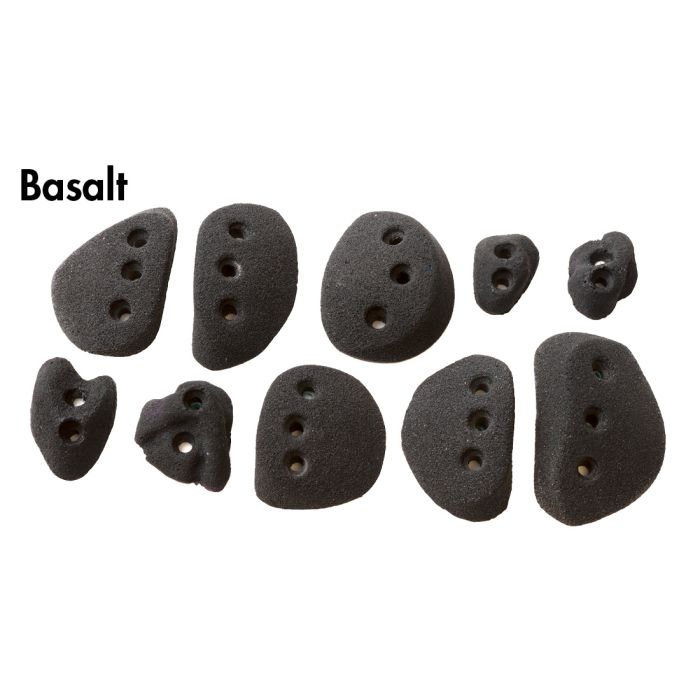
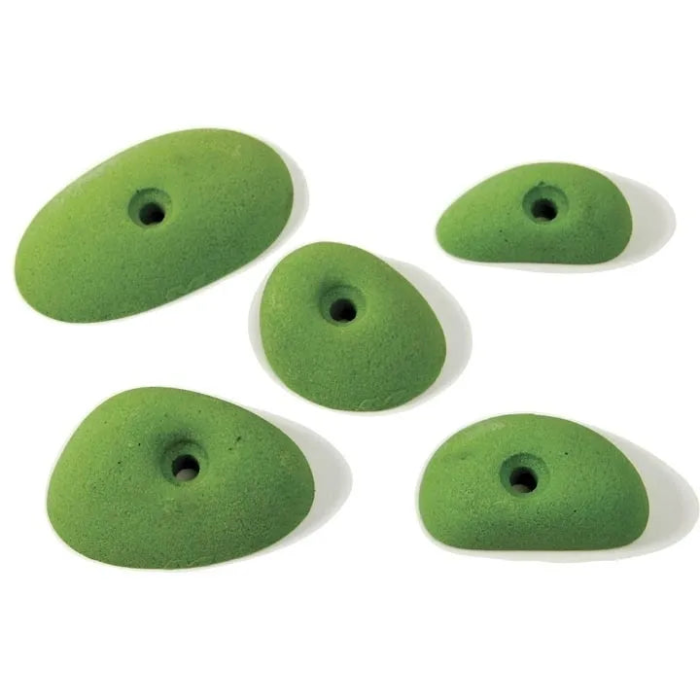
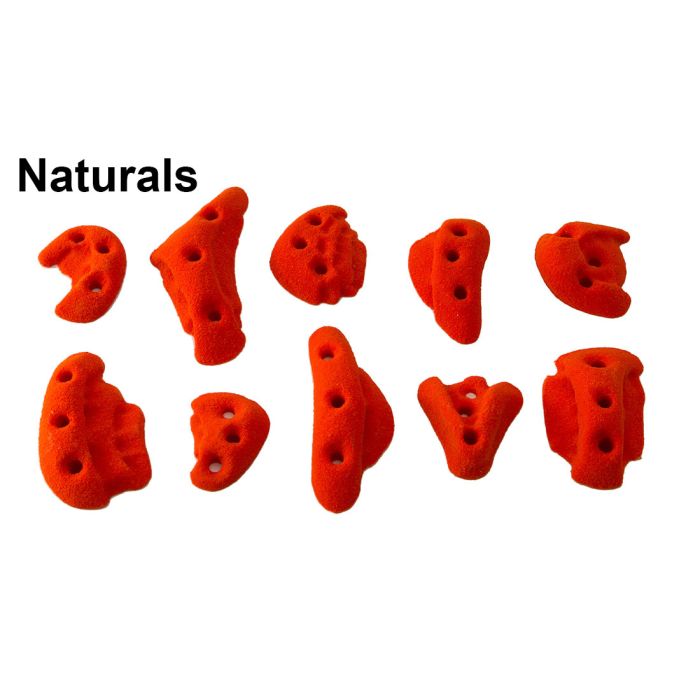
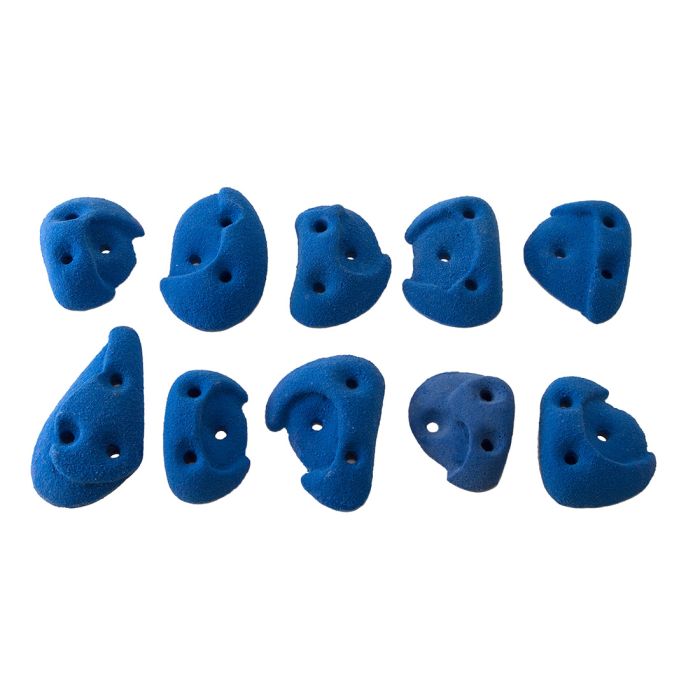
Metolius Screw-On Climbing Holds come as a pack of 10 hand holds with fixings included, for building or expanding a home wall, training board or gym circuit. Screw-on mounting means quick, secure installation wherever you want them.
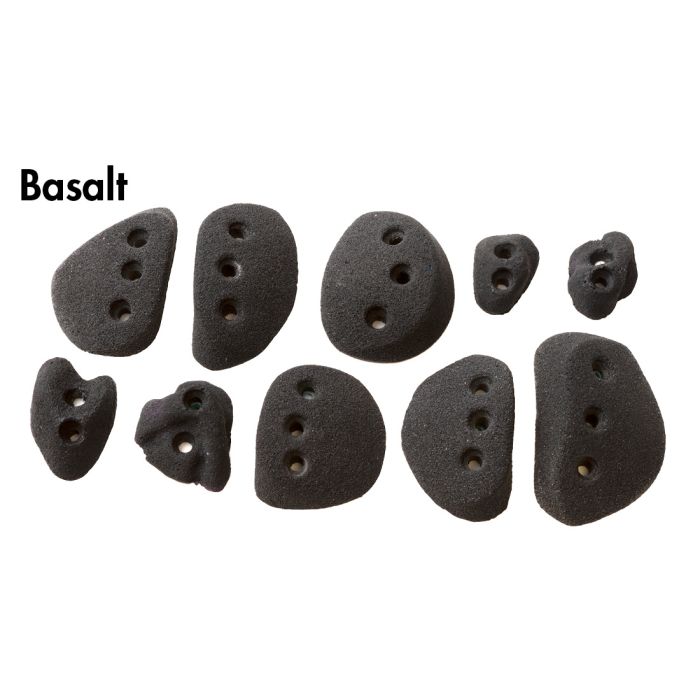
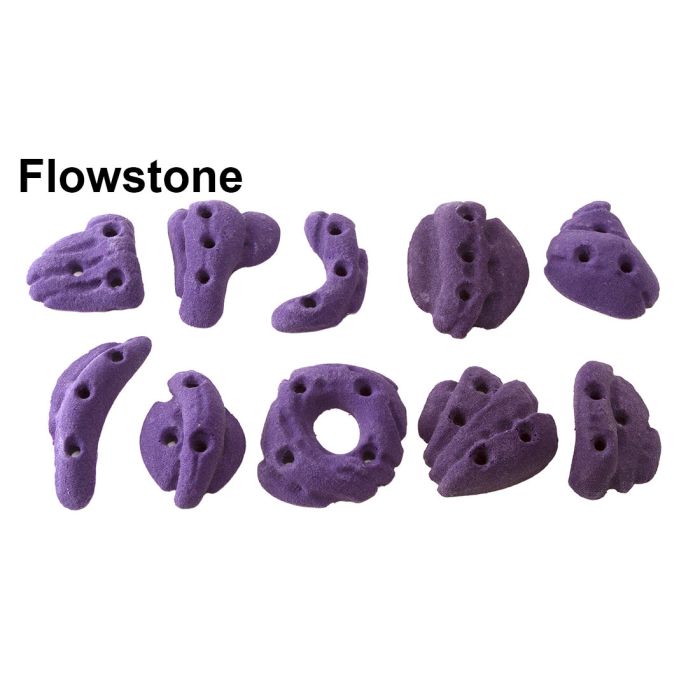
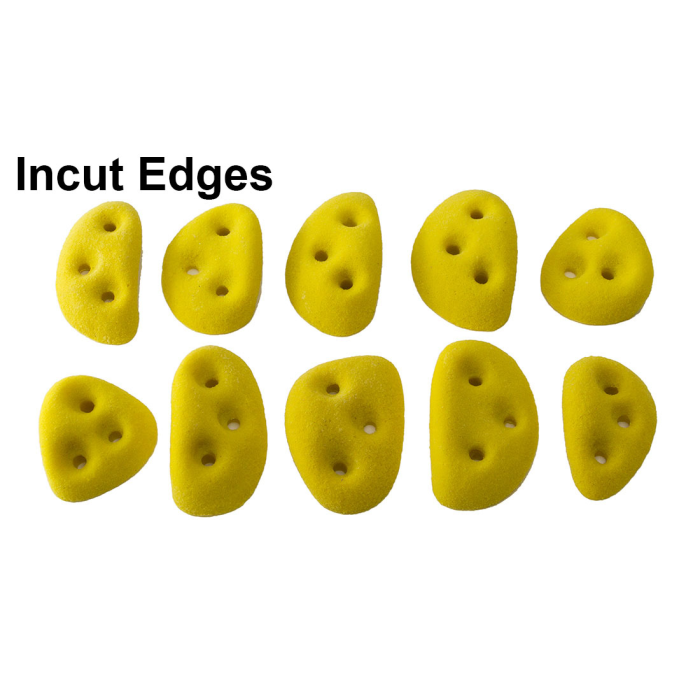
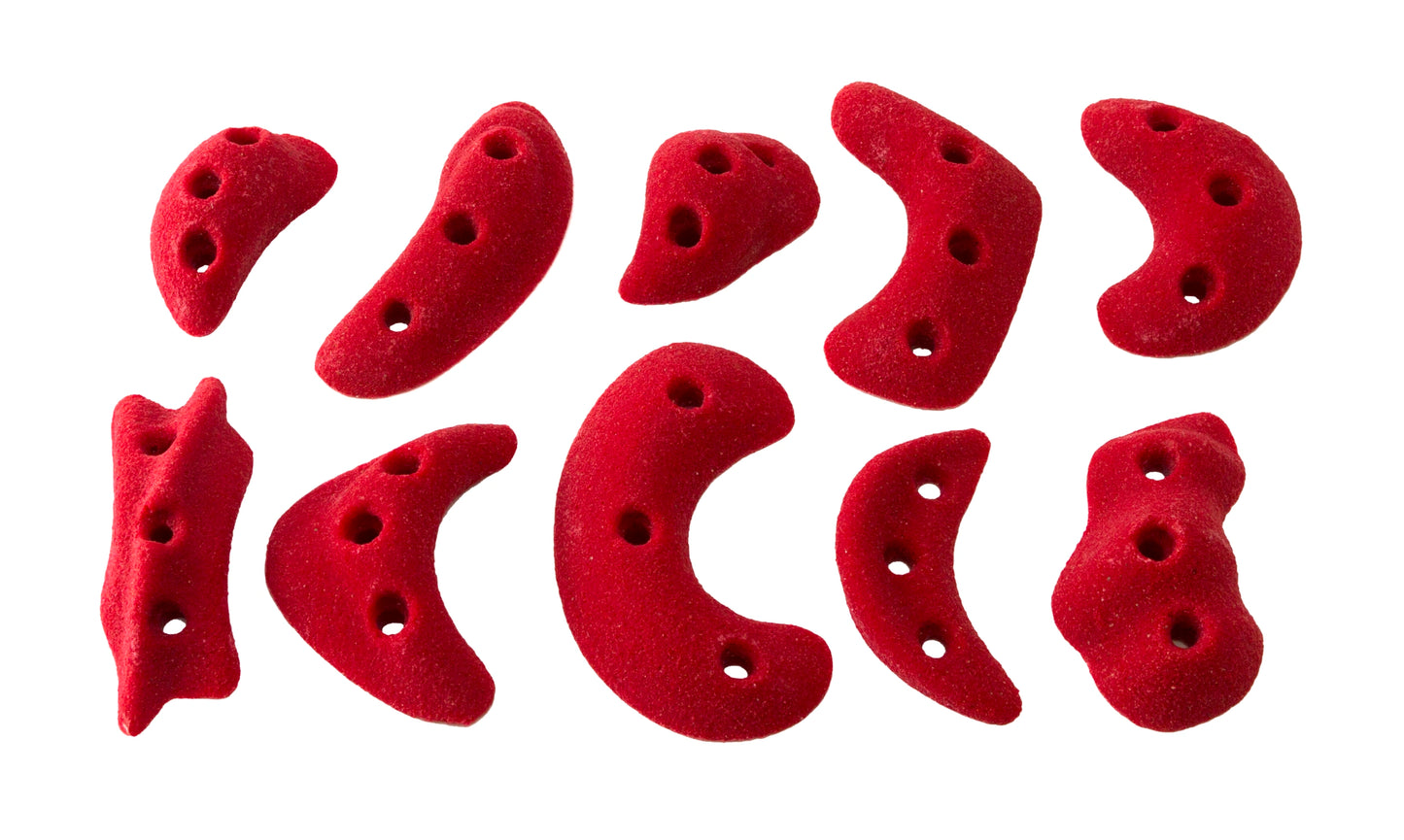
Screw-on holds fix straight to the wall, so you can place them exactly where a sequence needs one, add variety to an existing wall or set kids' routes. The holds are built for repeated training use and the whole 10-piece set weighs around 400g. Seven versions let you colour-code your circuits: All American (Red), Basalt (Black), Blue Ribbon (Blue), FlowStone (Purple), Incut Edges (Yellow), Naturals (Orange) and Solutions (Green).
Product Details
Colour: Multicolour / Black / Green / Orange / Blue / Purple / Yellow / Red
Version options: All American (Red), Basalt (Black), Blue Ribbon (Blue), FlowStone (Purple), Incut Edges (Yellow), Naturals (Orange), Solutions (Green)
Approximate weight: 400g per 10-piece set
Why you'll love it
Easy installation – screw-on design for quick setup
Secure fixing – stable and reliable in use
Versatile – training walls, circuits and adding variety to existing walls
Durable – built for repeated training use
Complete pack – 10 holds with mounting fixtures
Good to know
What's included: 10 screw-on climbing holds and mounting fixtures
Approximate weight: 400g per 10-piece set
Versions: All American (Red), Basalt (Black), Blue Ribbon (Blue), FlowStone (Purple), Incut Edges (Yellow), Naturals (Orange), Solutions (Green)
Who it's for
Beginner to intermediate climbers building or topping up a home wall or training board, and parents setting up kids' climbing walls indoors.
Choosing a selection results in a full page refresh.
Opens in a new window.
PayPal Pay Later Messaging
Step 1: Choose message placement
Click the button below and then hover over your page to select a placement.
Step 2: Paste and save
You have copied the placement for the Product Page.
Go back to the App Embeds section, and in the Paypal Advanced Settings, paste the copied value into the
Product Page field and click the 'Save' button in the top right corner.