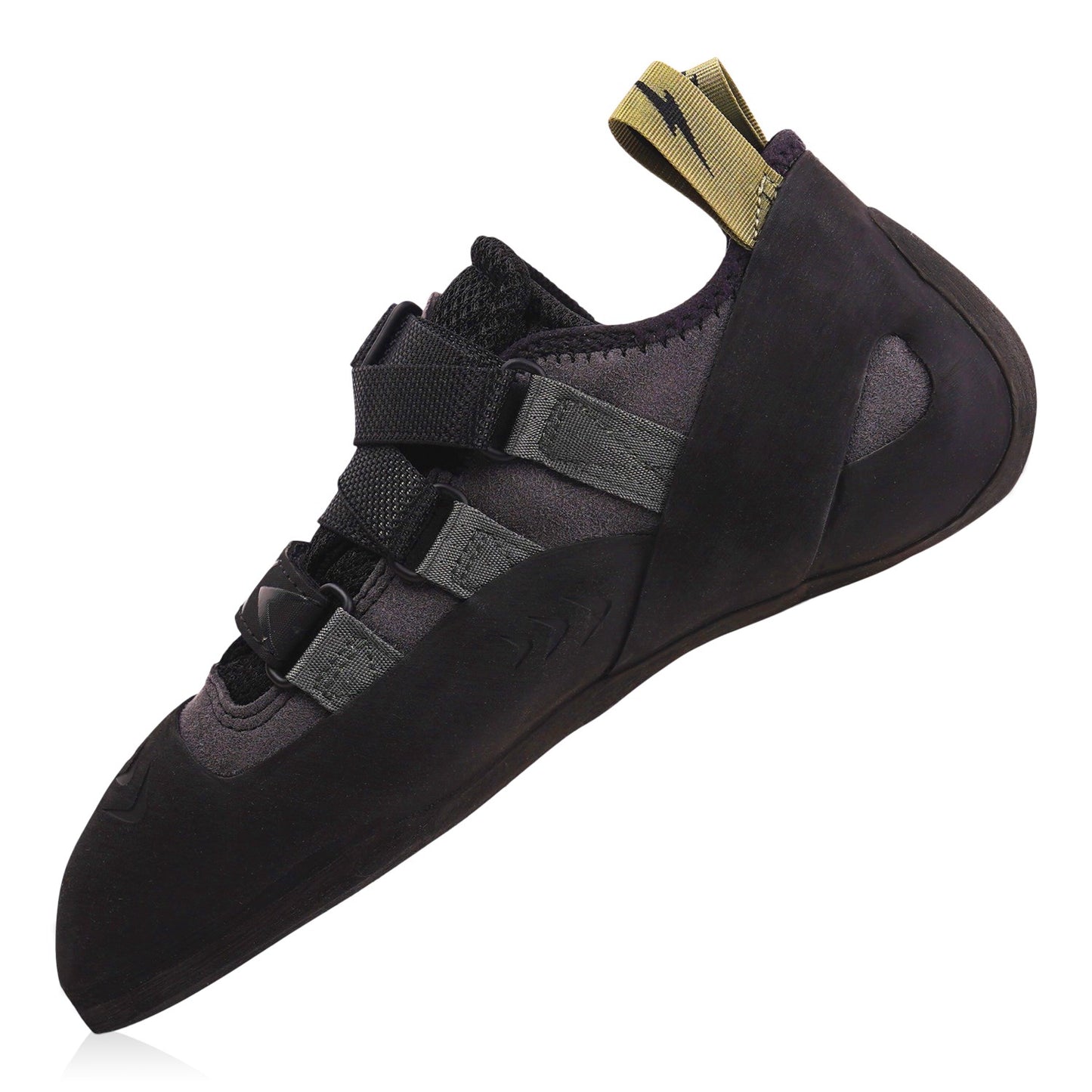
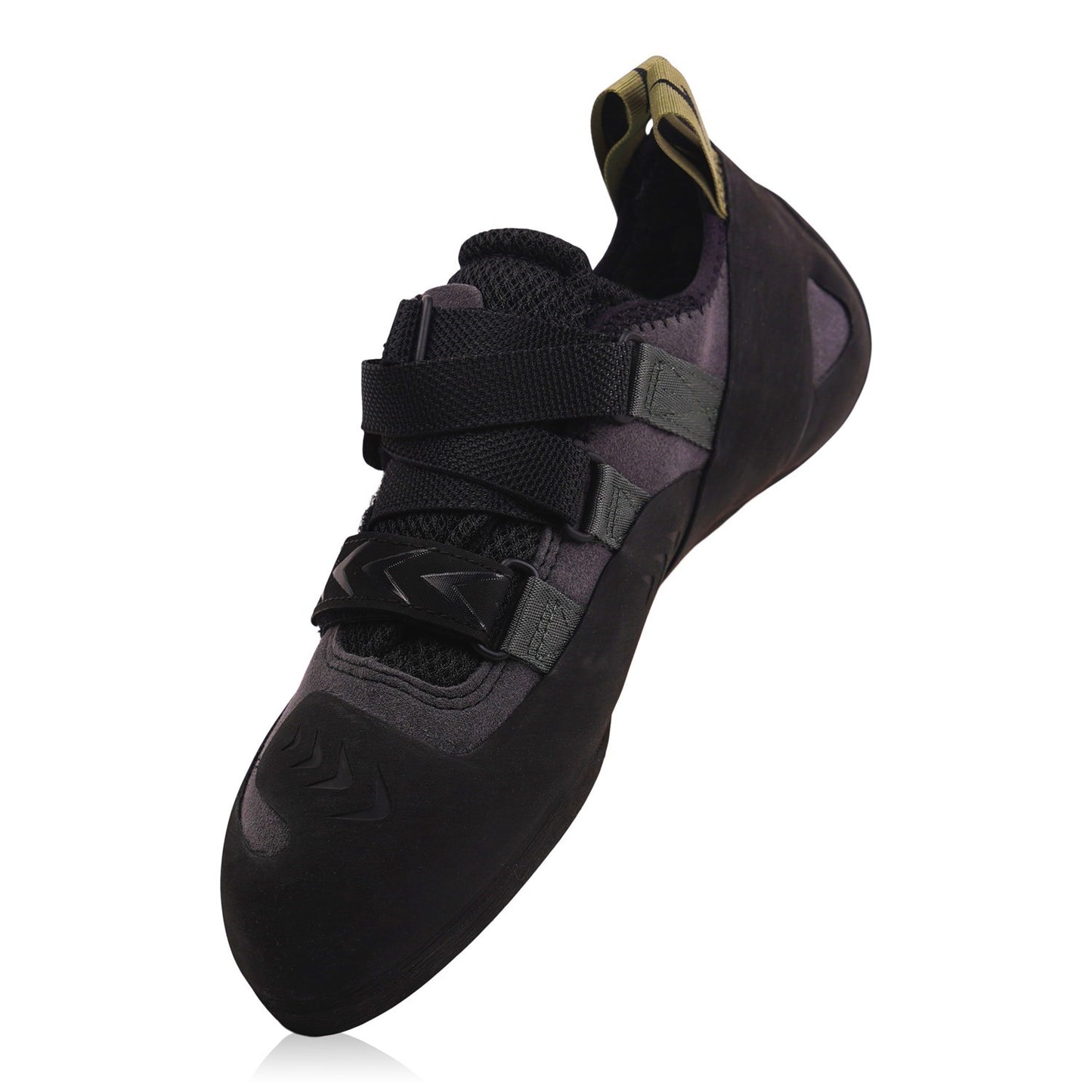
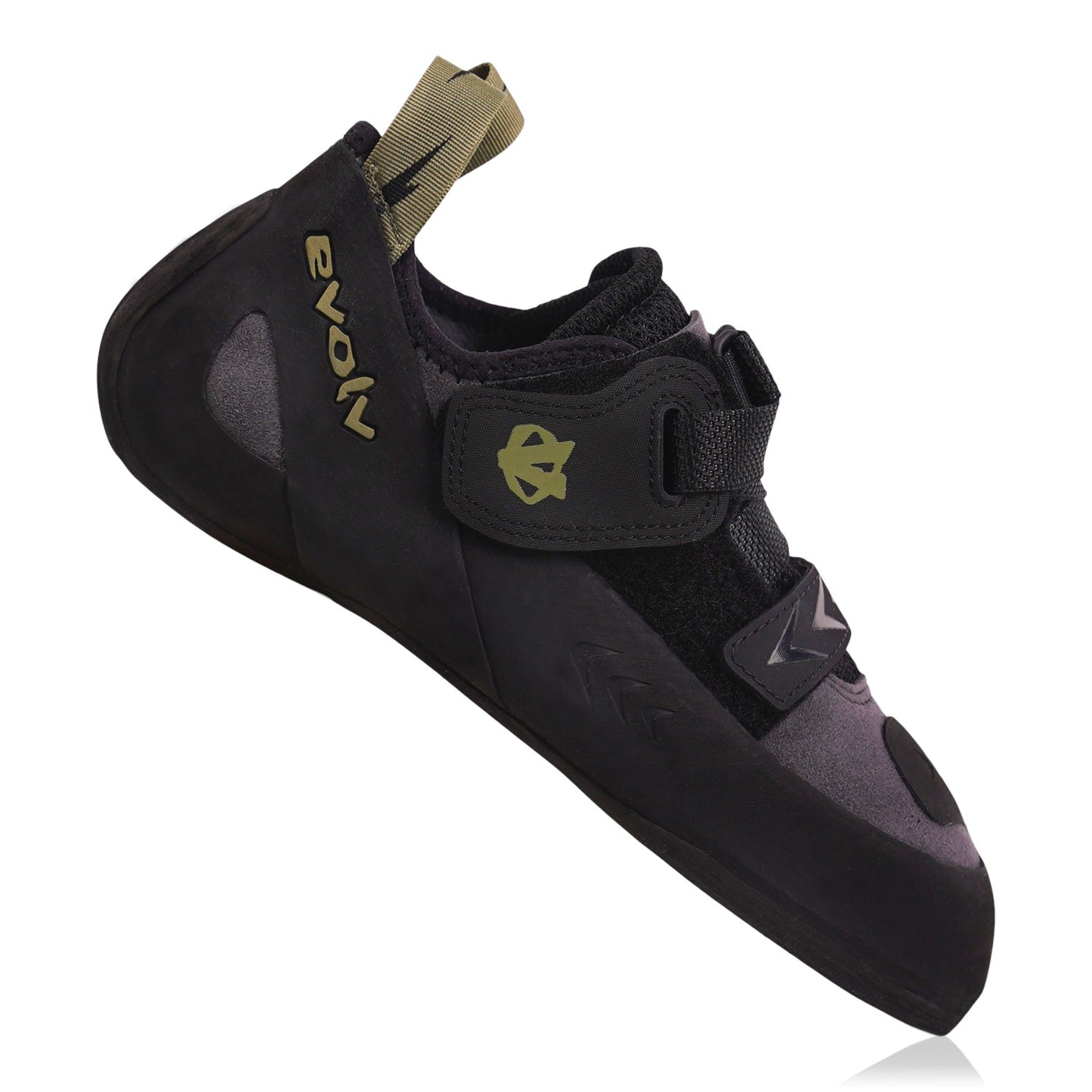
One shoe for most of your climbing. The Evolv Kronos Climbing Shoes are a true all-rounder for climbers who want all-day comfort without giving up performance: a slightly downturned shape and a supportive build that handles indoor sessions, sport routes and long training days.
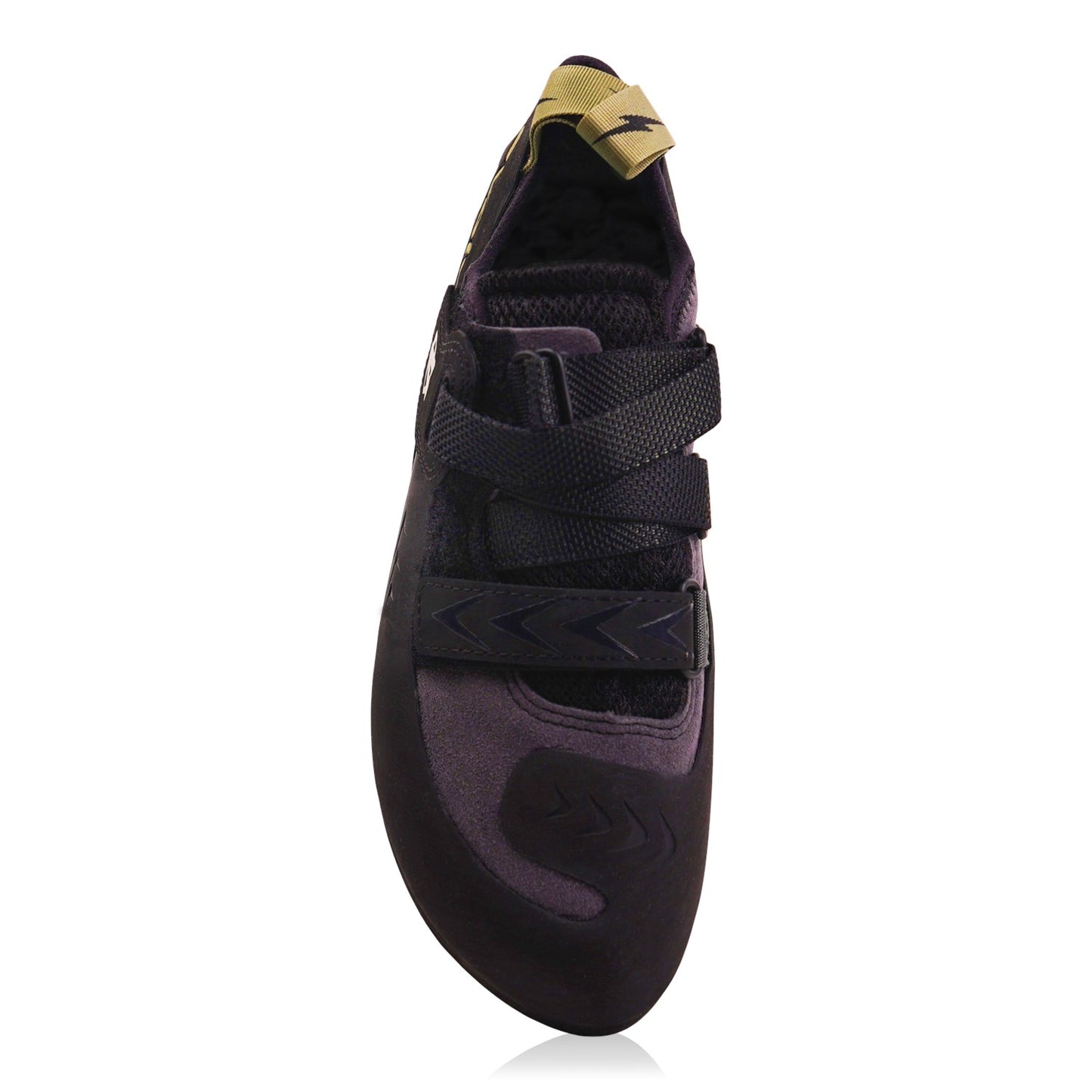
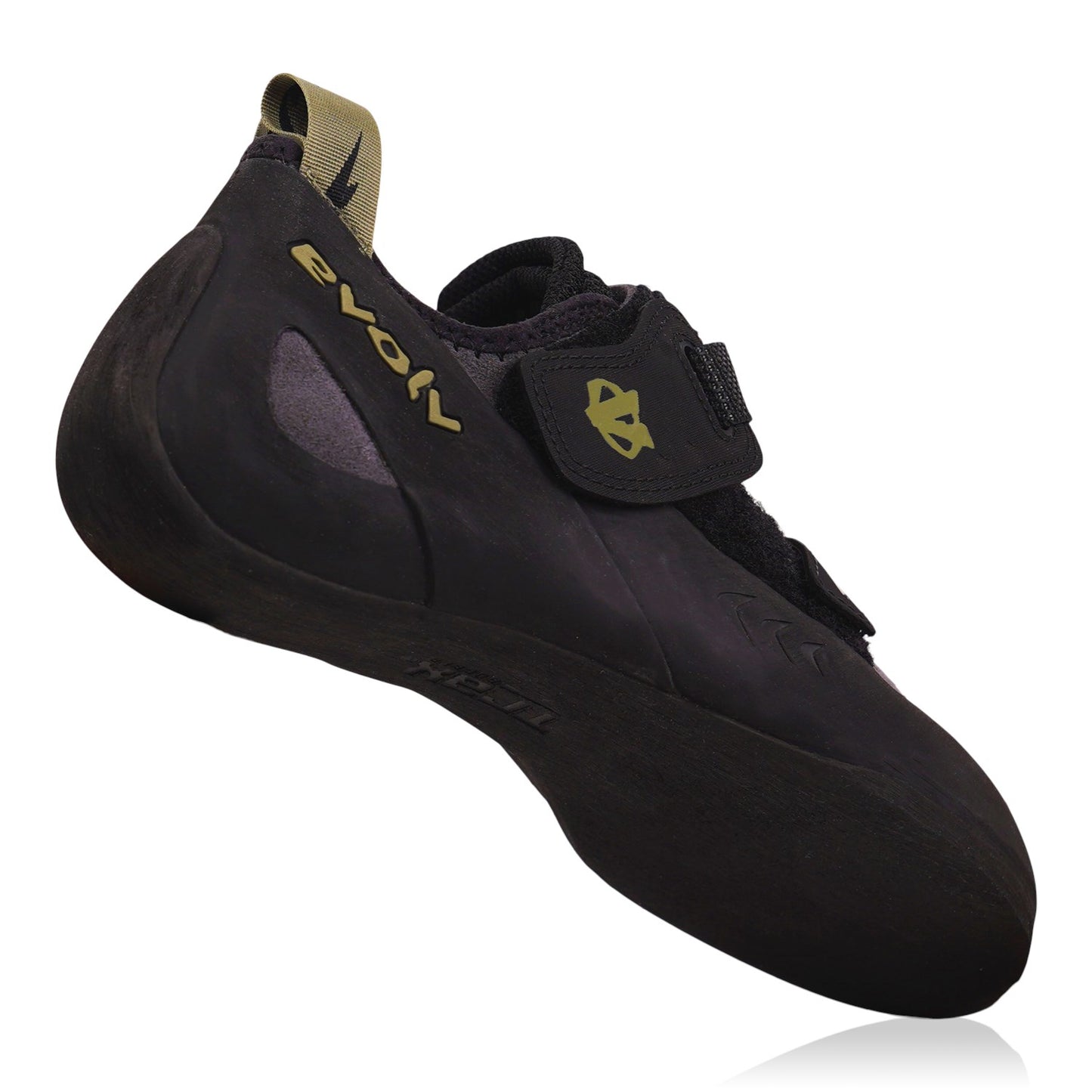
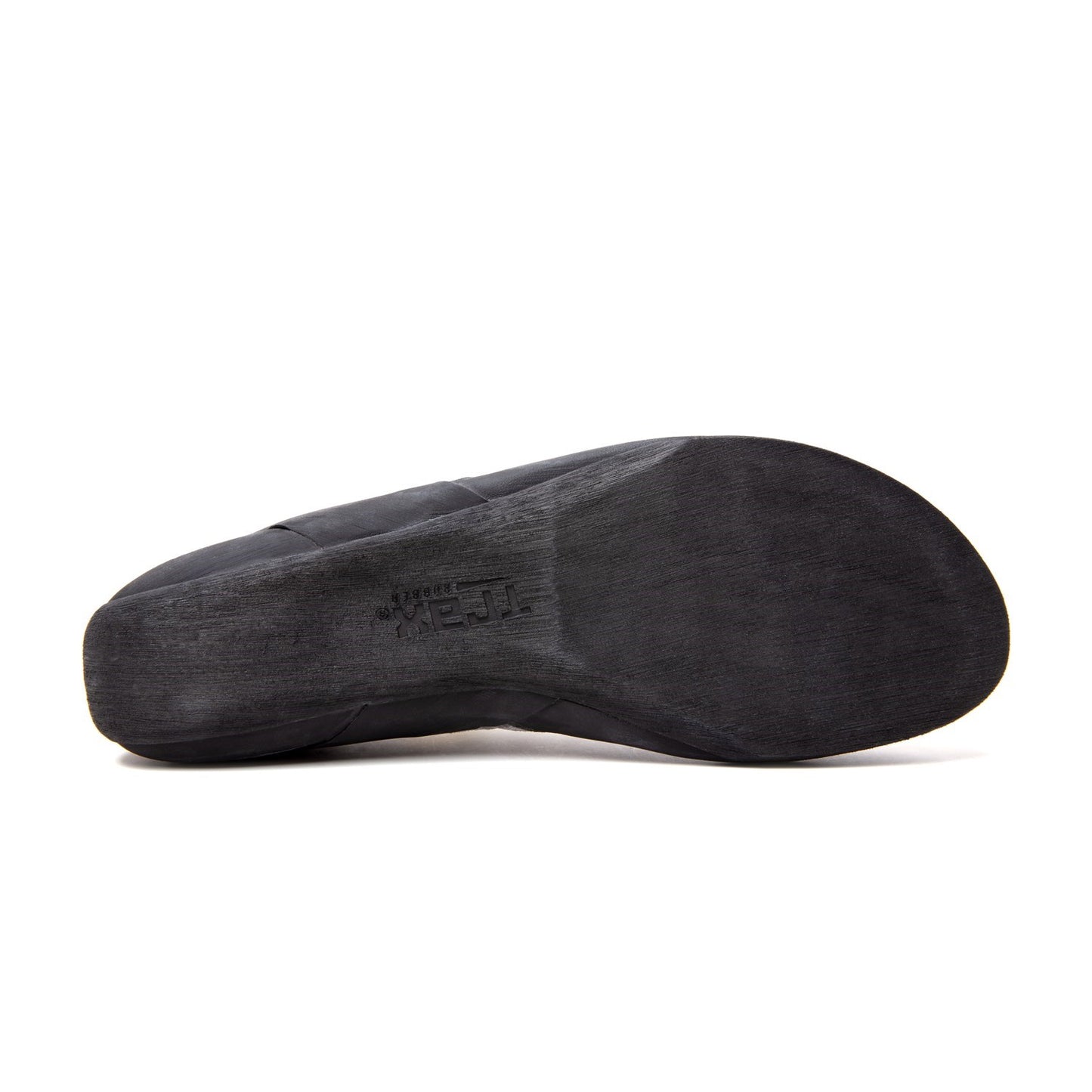
The slight down-camber gives you precision on footholds, and a 1.2mm full-length midsole adds enough support for edging and longer climbs while staying sensitive. The single strap with an adjustable finish-pull locks the fit down in seconds, the split tongue makes entry comfortable, and a moulded Variable Thickness Rand (VTR) puts extra durability in the high-wear zones. Underneath is 4.2mm of TRAX® SAS rubber for reliable grip indoors and out. The synthetic upper is vegan-friendly, and the shoe weighs 9.3oz (US men's 9).
Sizing: street shoe size for a tight, aggressive max performance fit; +½ size for a snug fit you can wear all session; +1 to +1.5 sizes for a relaxed comfort fit.
Product Details
Colour: Black / Grey
Gender: Unisex
Age group: Adult
Size system: UK
Sizes in this listing: UK 4–12 (including half sizes where listed)
Upper material: Synthetic (vegan-friendly)
Fit / volume: Regular volume
Why you'll love it
True all-rounder – performs across climbing styles
Easy on and off – single hook and loop strap with adjustable finish-pull
Durable – moulded VTR rand in high-wear zones
Vegan-friendly – synthetic upper
Good to know
Weight: 9.3oz per shoe (US men's 9)
Outsole: 4.2mm TRAX® SAS rubber
Sizes: UK 4–12 in this listing; Evolv makes it in US 4–13.5
Who it's for
Beginner to intermediate climbers who want one versatile shoe for indoor climbing, sport climbing and long training sessions, and who put comfort high on the list.
Customer service was super helpful, checking that I had the right size, and my order unfortunately went missing, in response to this they sent me out another pair of the shoes I had ordered the same day I raised the concern, 10/10 would recommend and will reuse in the future!
A
Anonymous
Nice.
N
Norbet
Great shoe, good customer service
Choosing a selection results in a full page refresh.
Opens in a new window.
PayPal Pay Later Messaging
Step 1: Choose message placement
Click the button below and then hover over your page to select a placement.
Step 2: Paste and save
You have copied the placement for the Product Page.
Go back to the App Embeds section, and in the Paypal Advanced Settings, paste the copied value into the
Product Page field and click the 'Save' button in the top right corner.