Simple order process and quickly actioned. Fast delivery and well packaged, too. Great shopping experience.
Excellent selection, customer service and shipping. Big thanks to Nate for reaching out and getting delivered in time
Muscle Mountain International
Couldn't load pickup availability
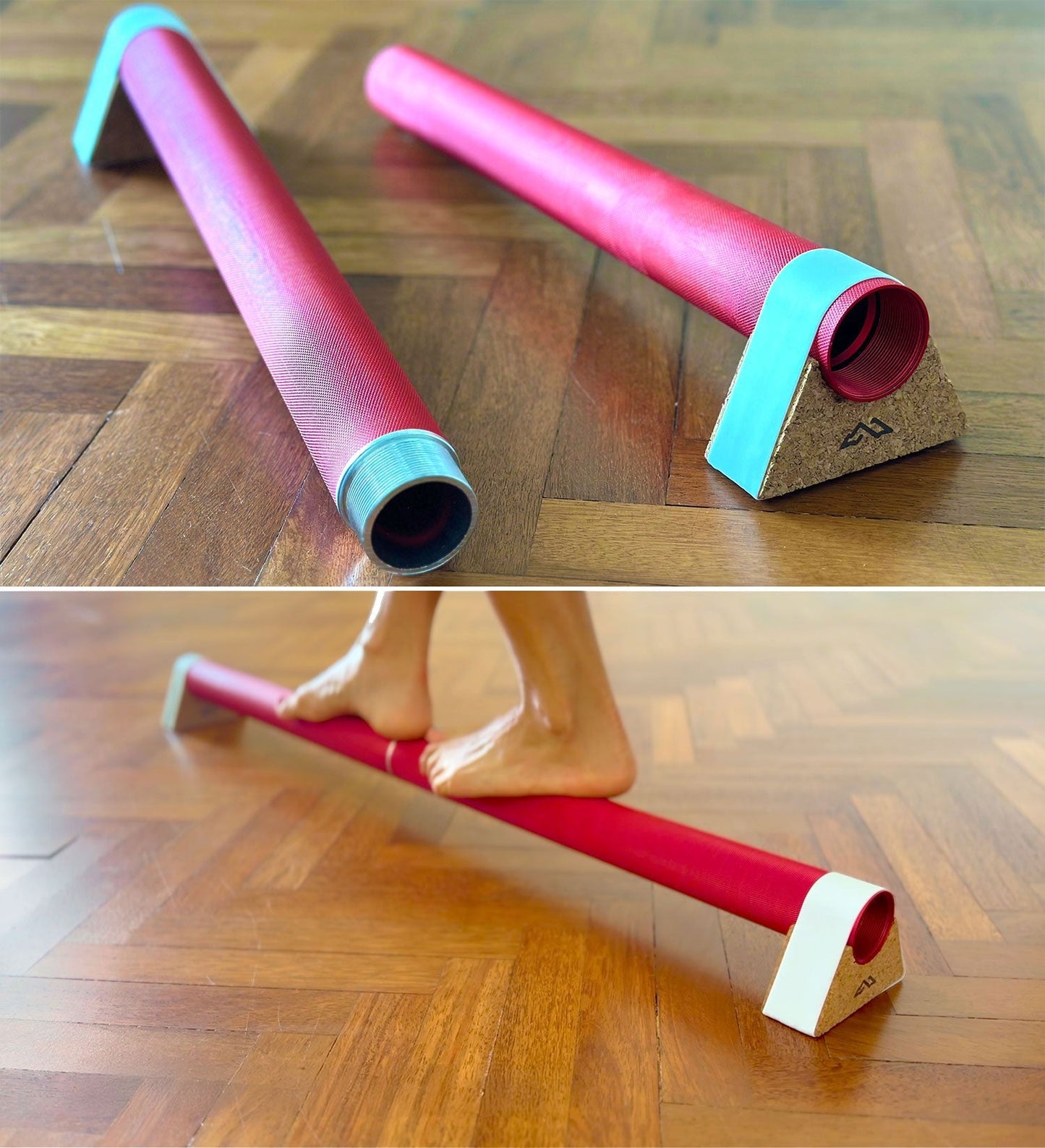
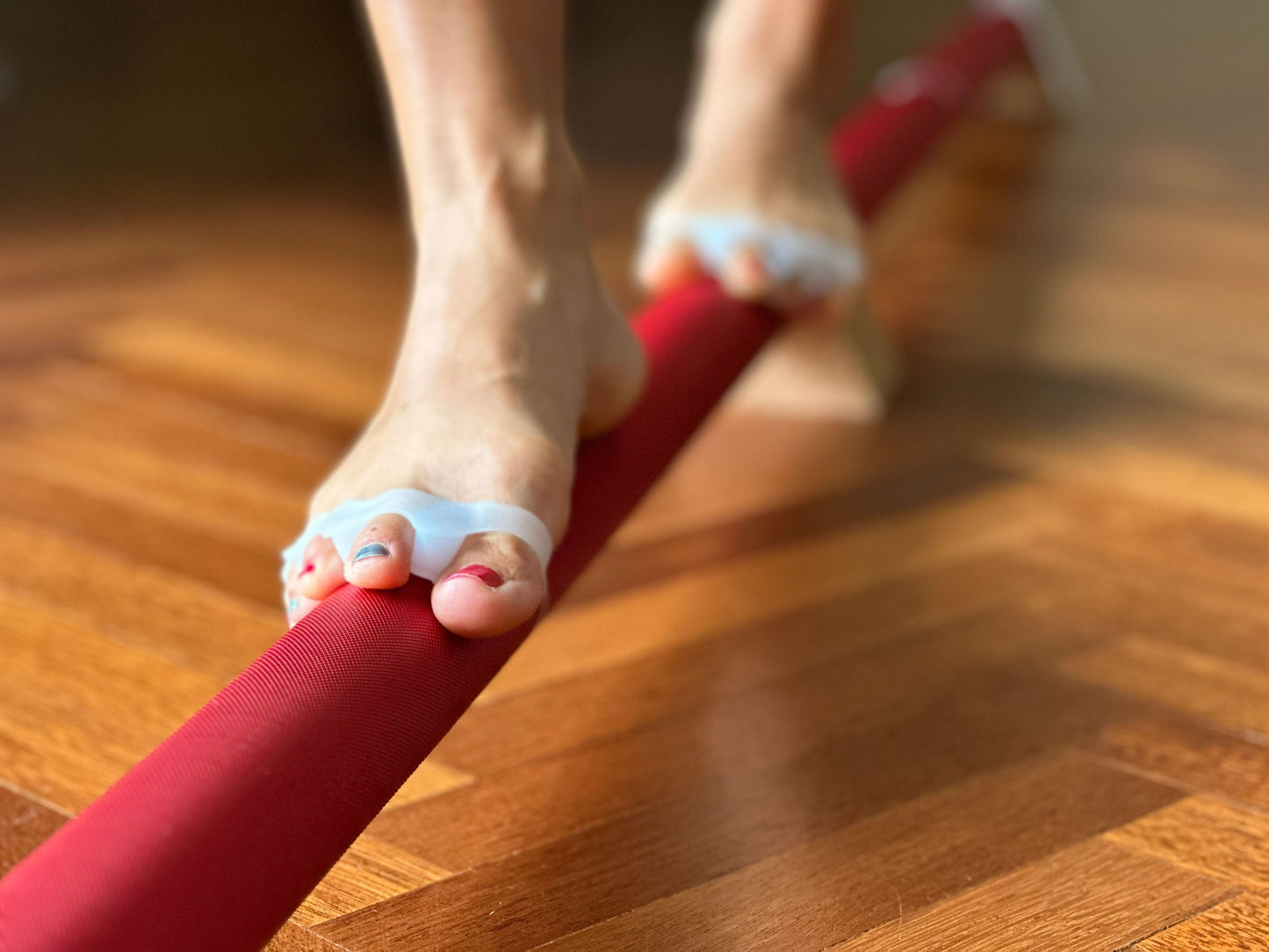
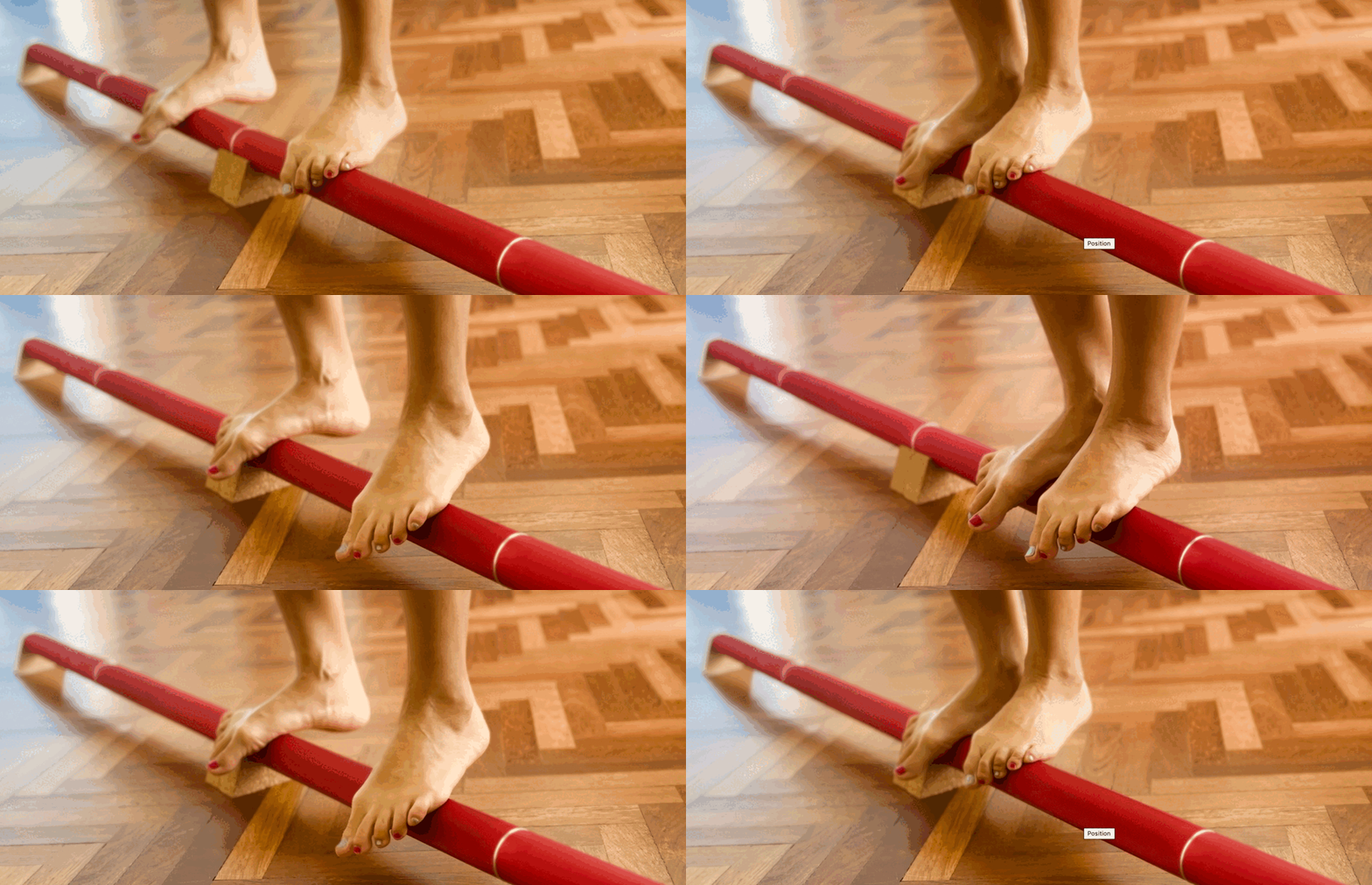
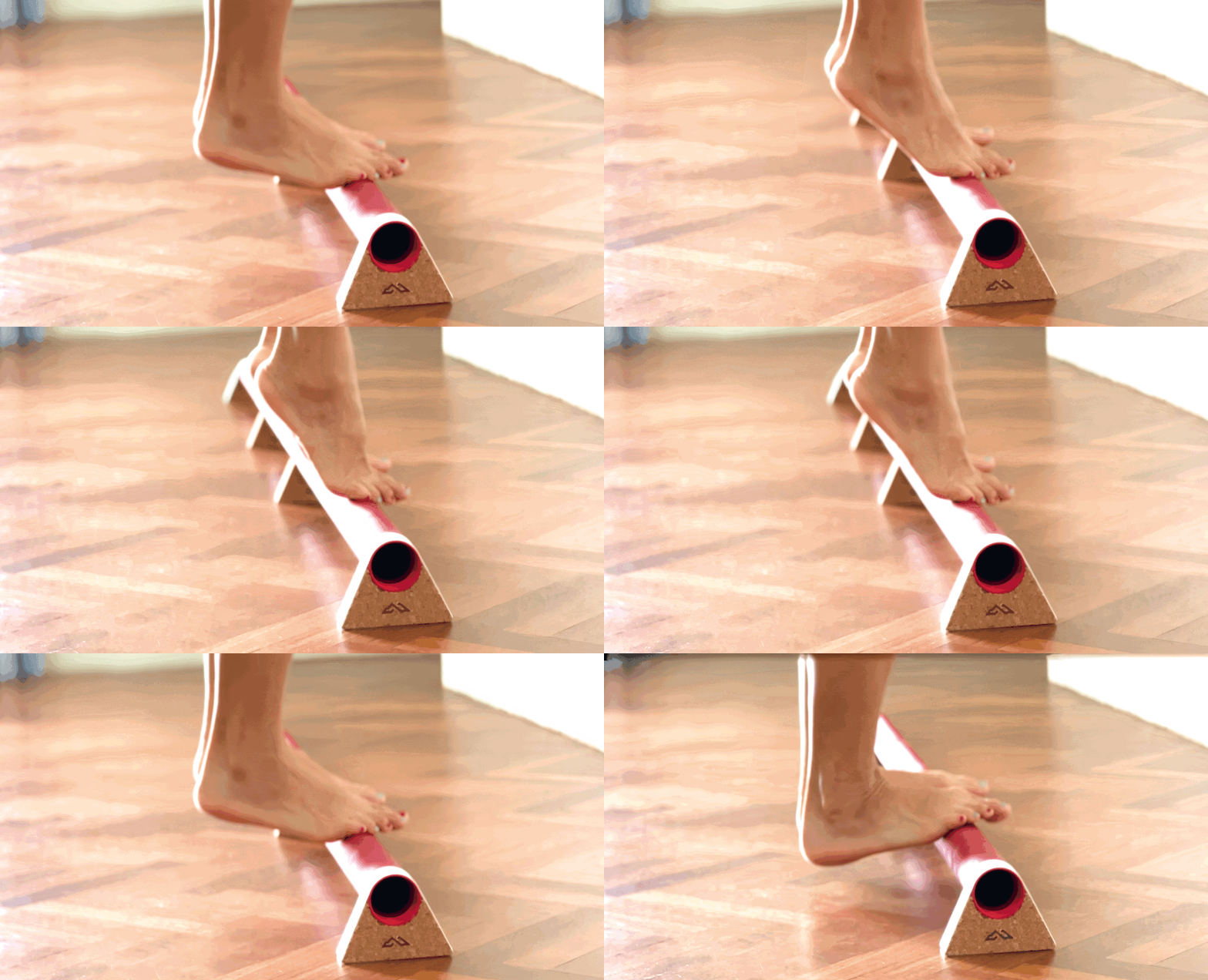
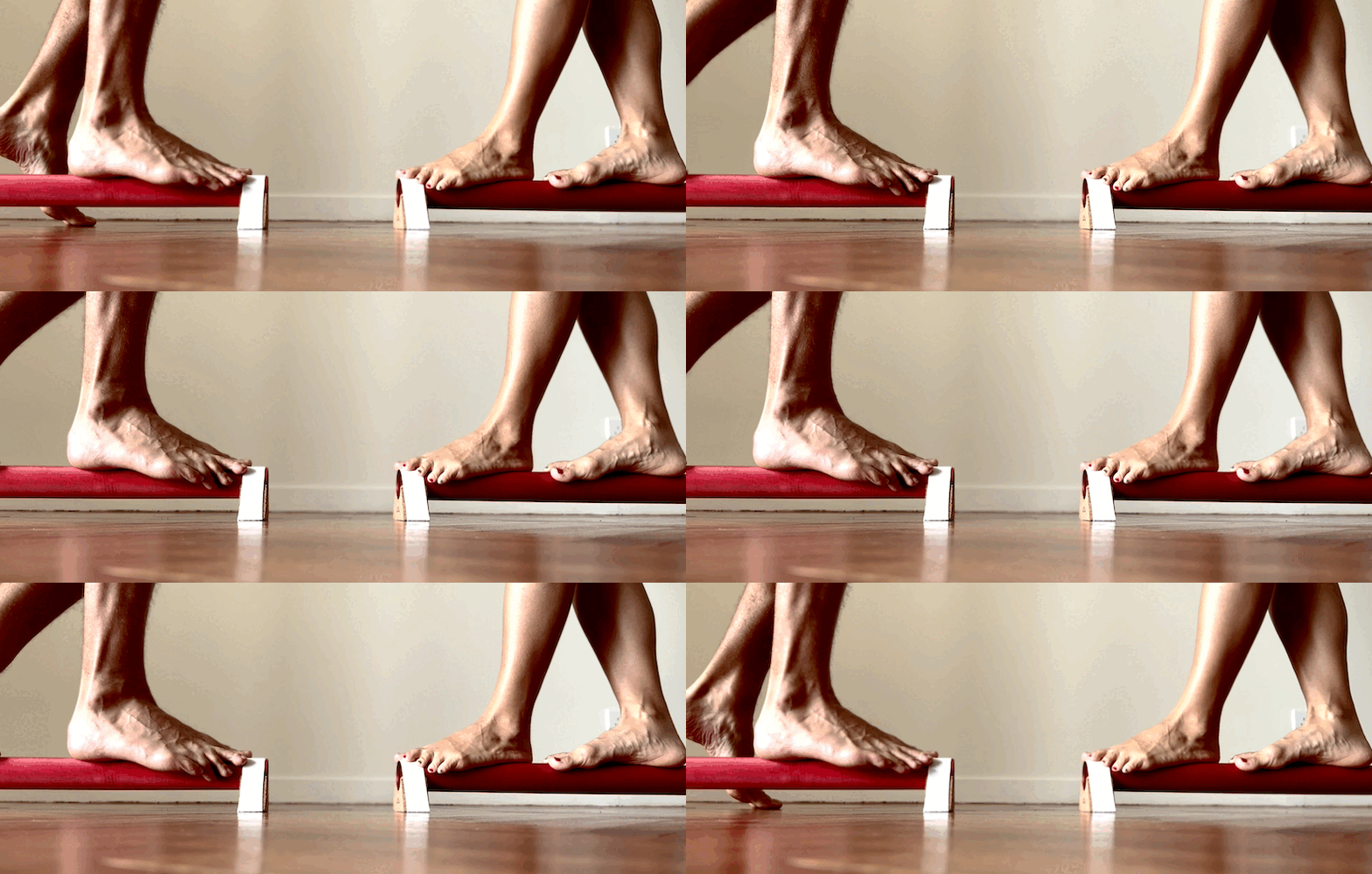
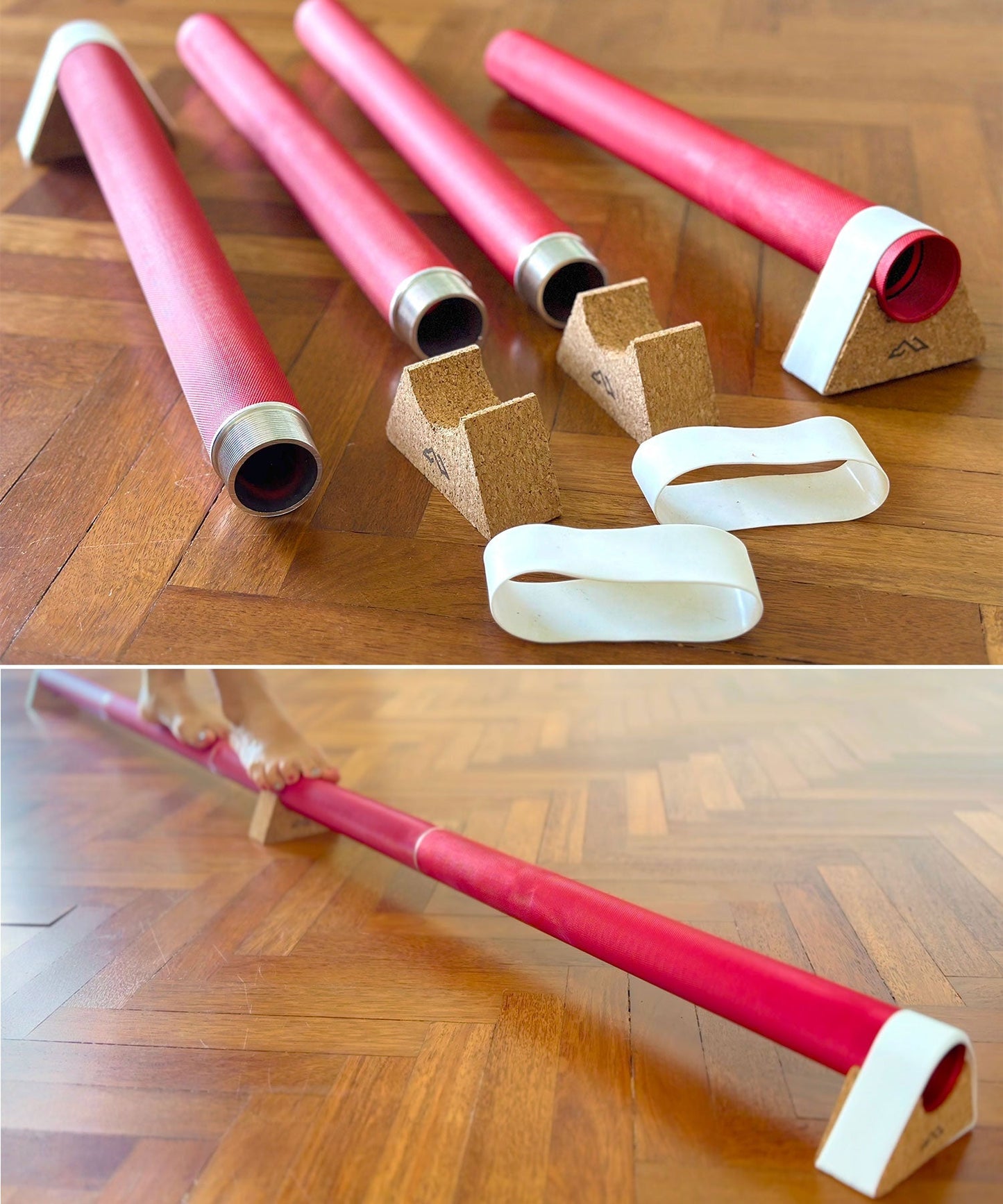
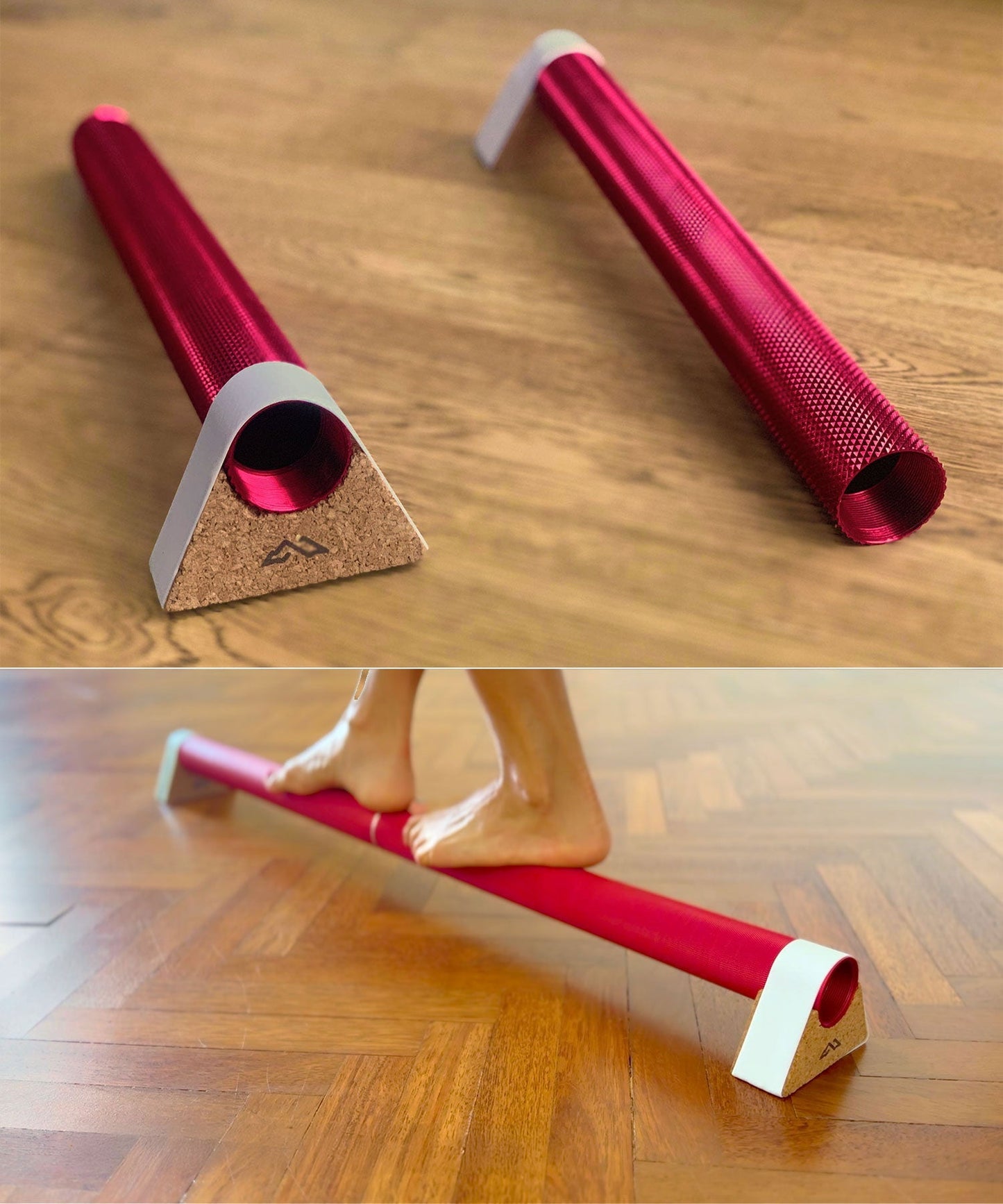
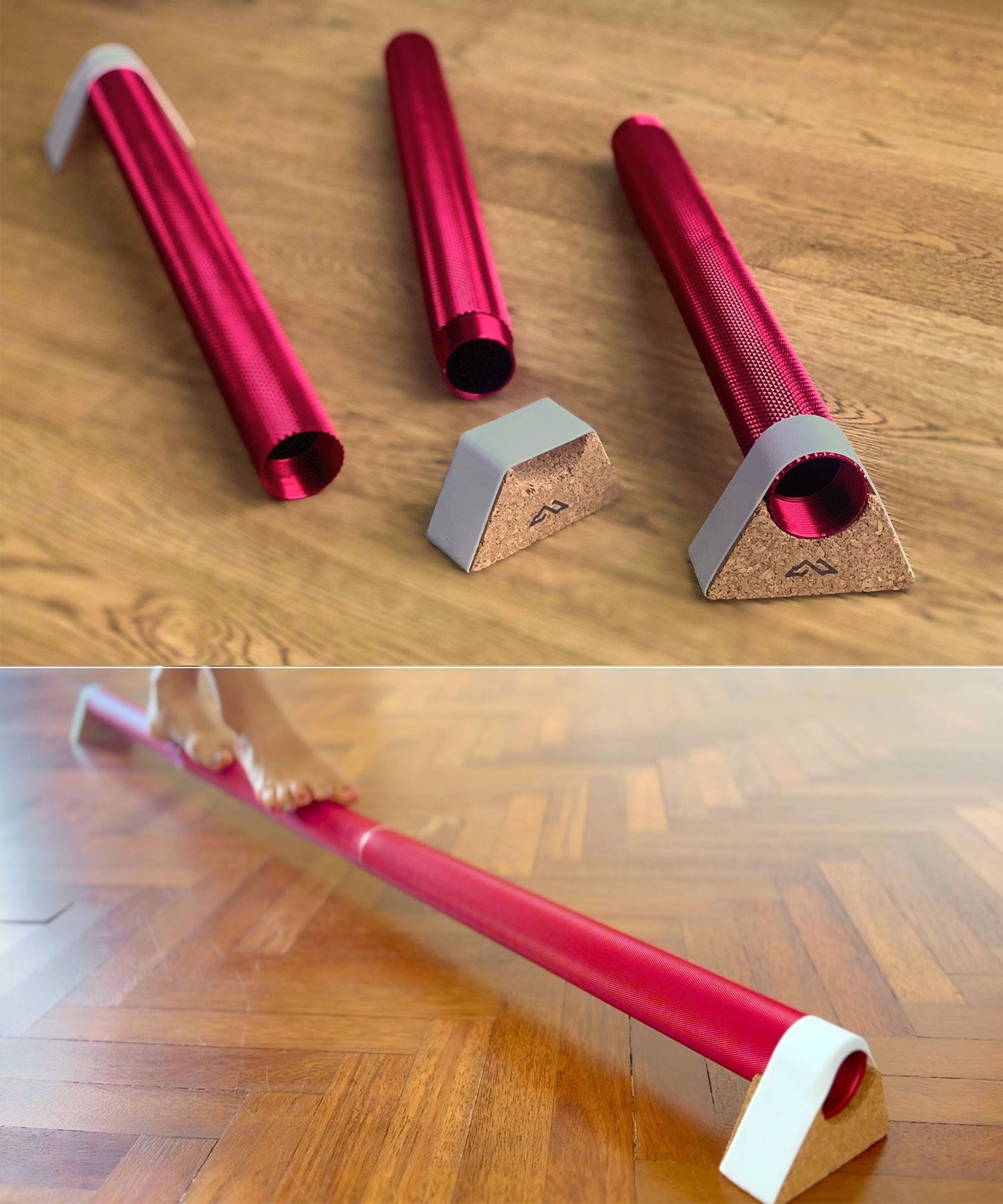
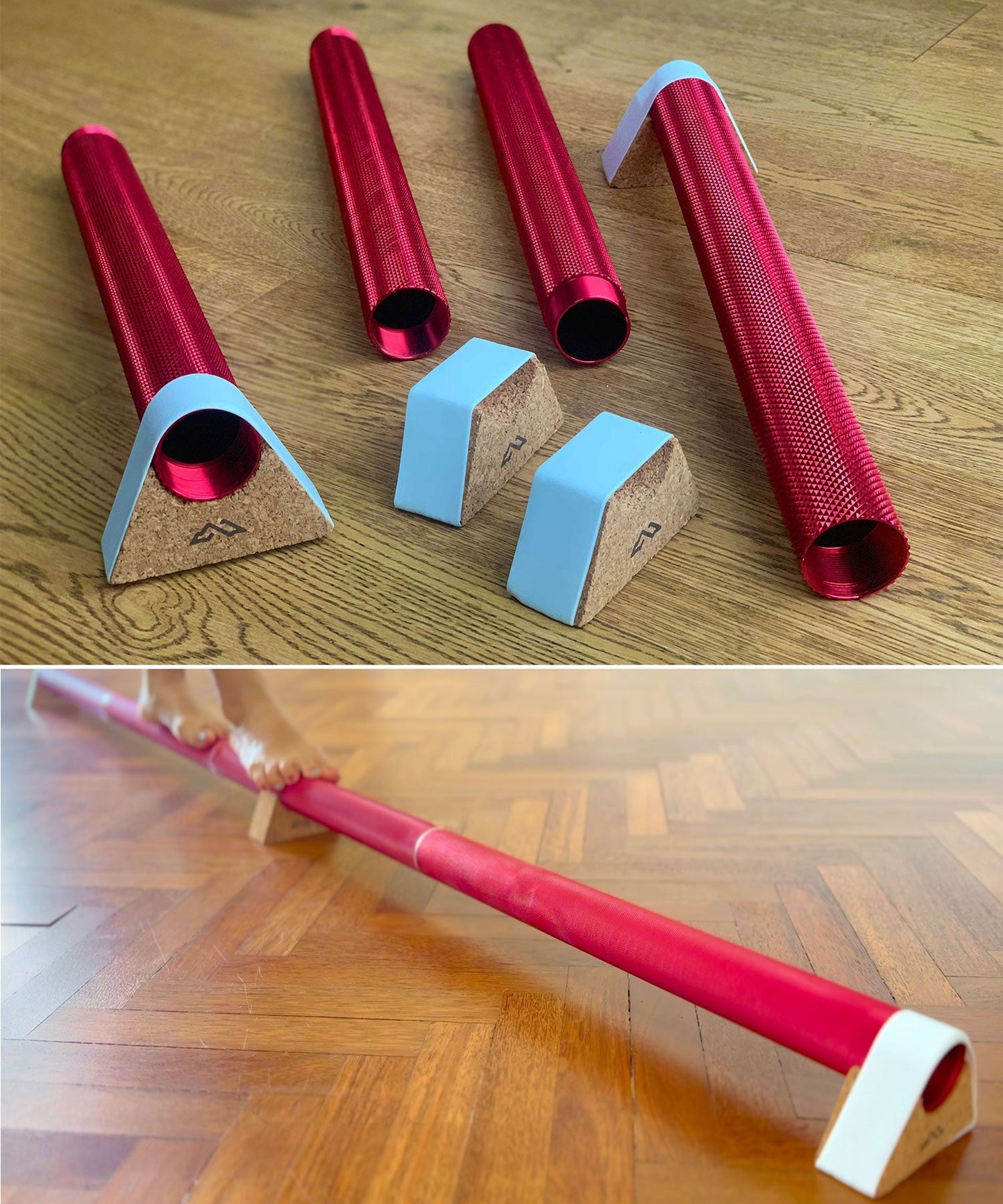
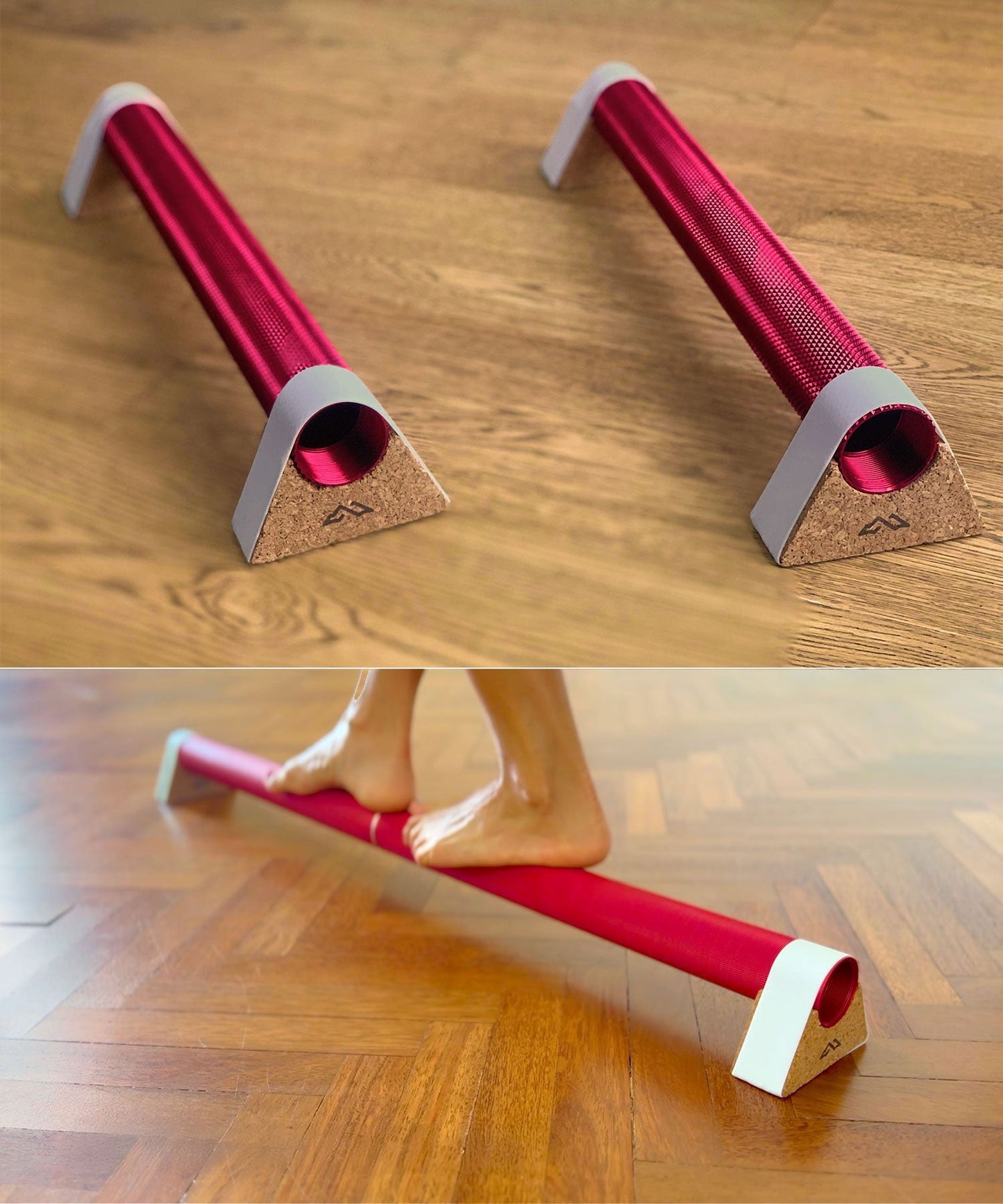
The Muscle Mountain International NeuroBeam™ is a modular, textured aluminium balance beam designed to be used barefoot. Its ridged surface is there to stimulate the nerve endings in your feet while you balance, so every session works on balance, coordination and body awareness as well as core stability.
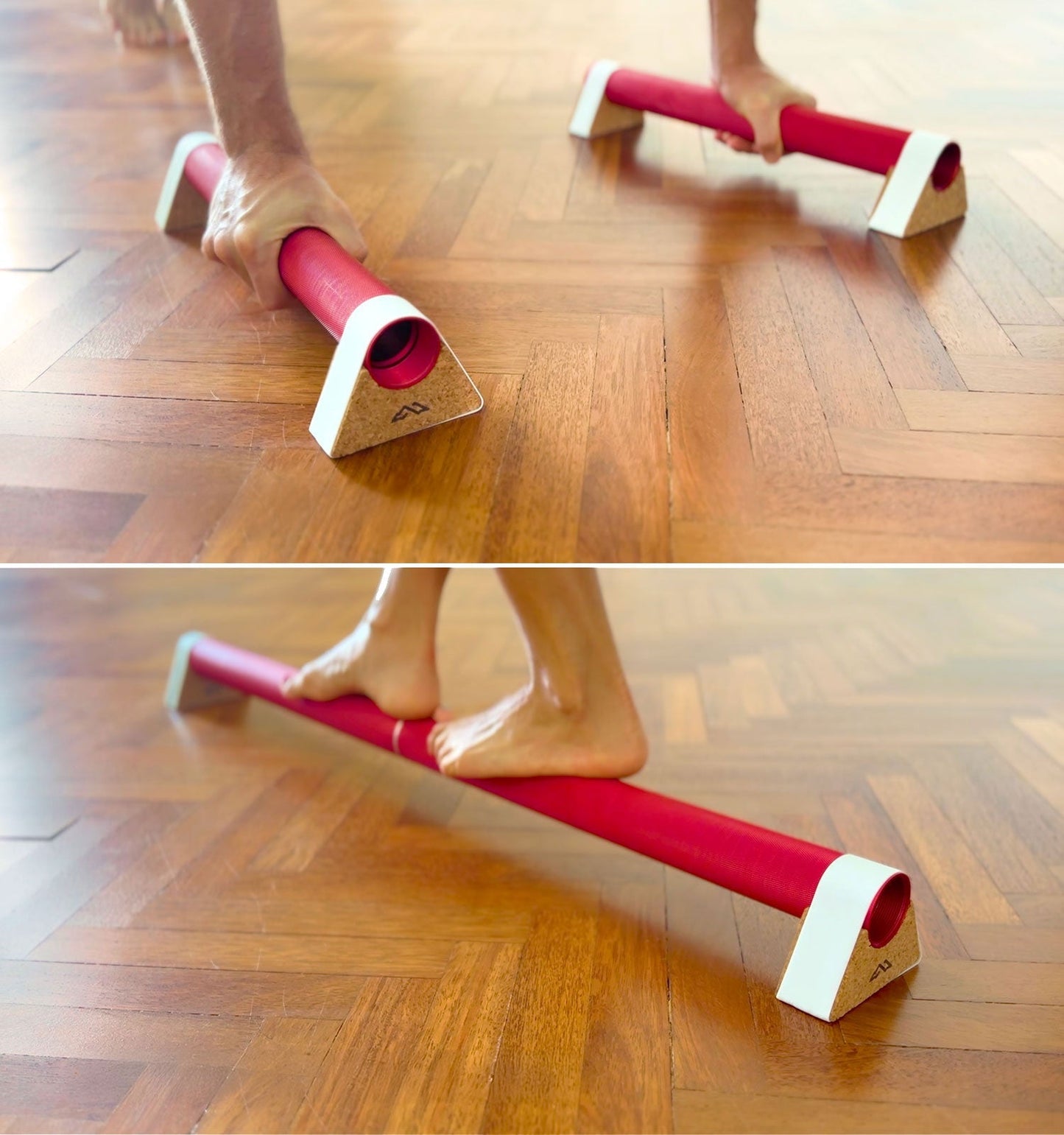
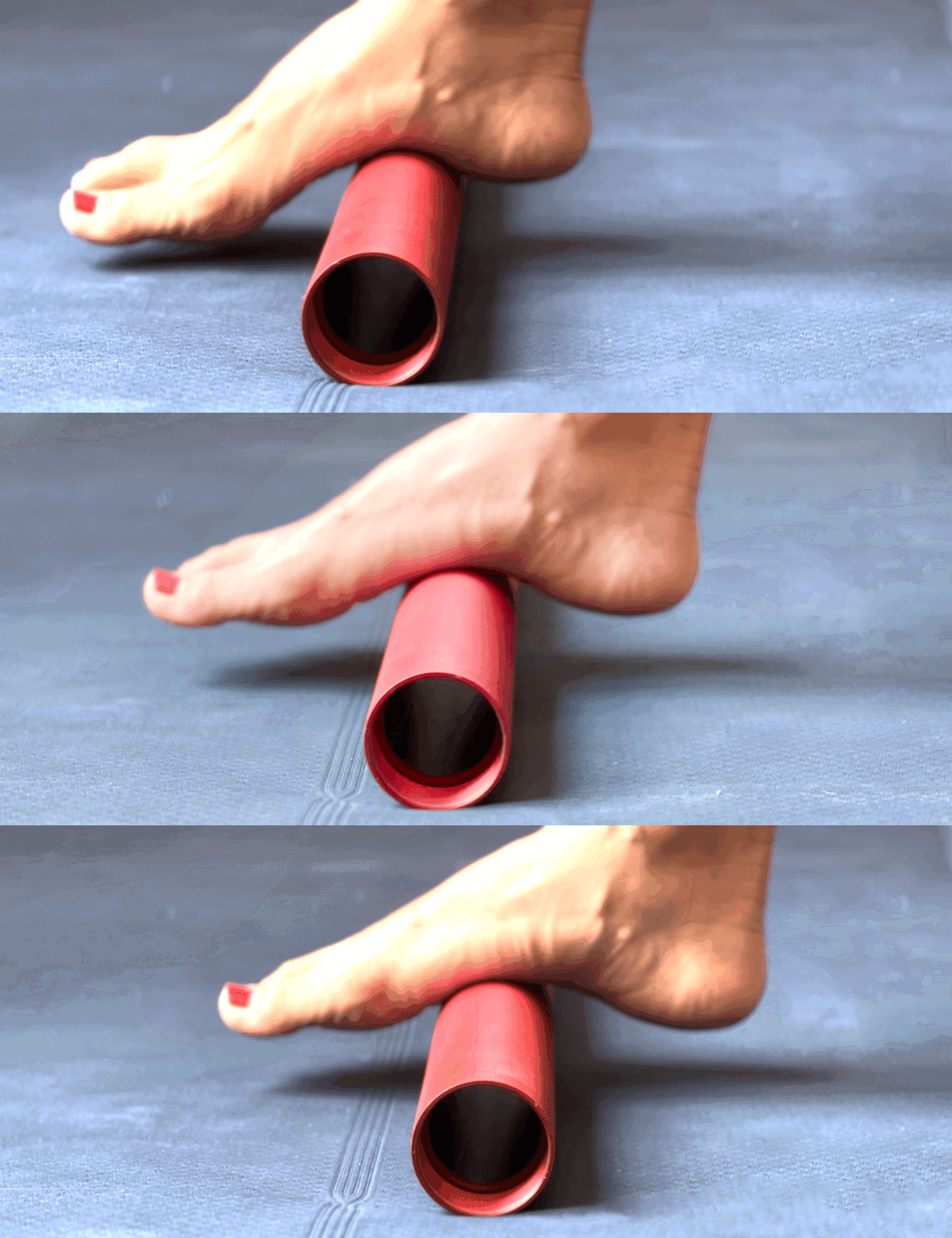
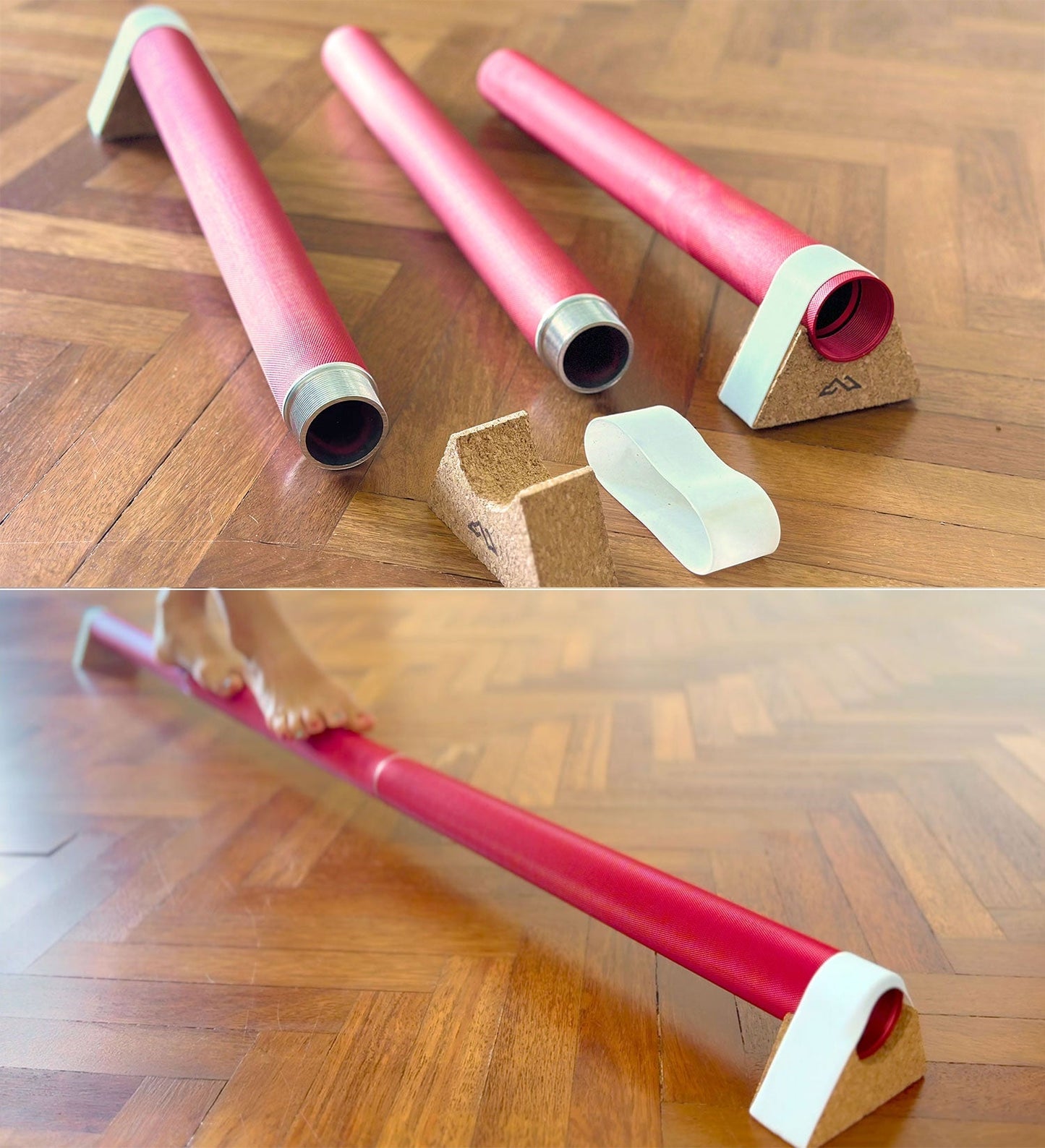
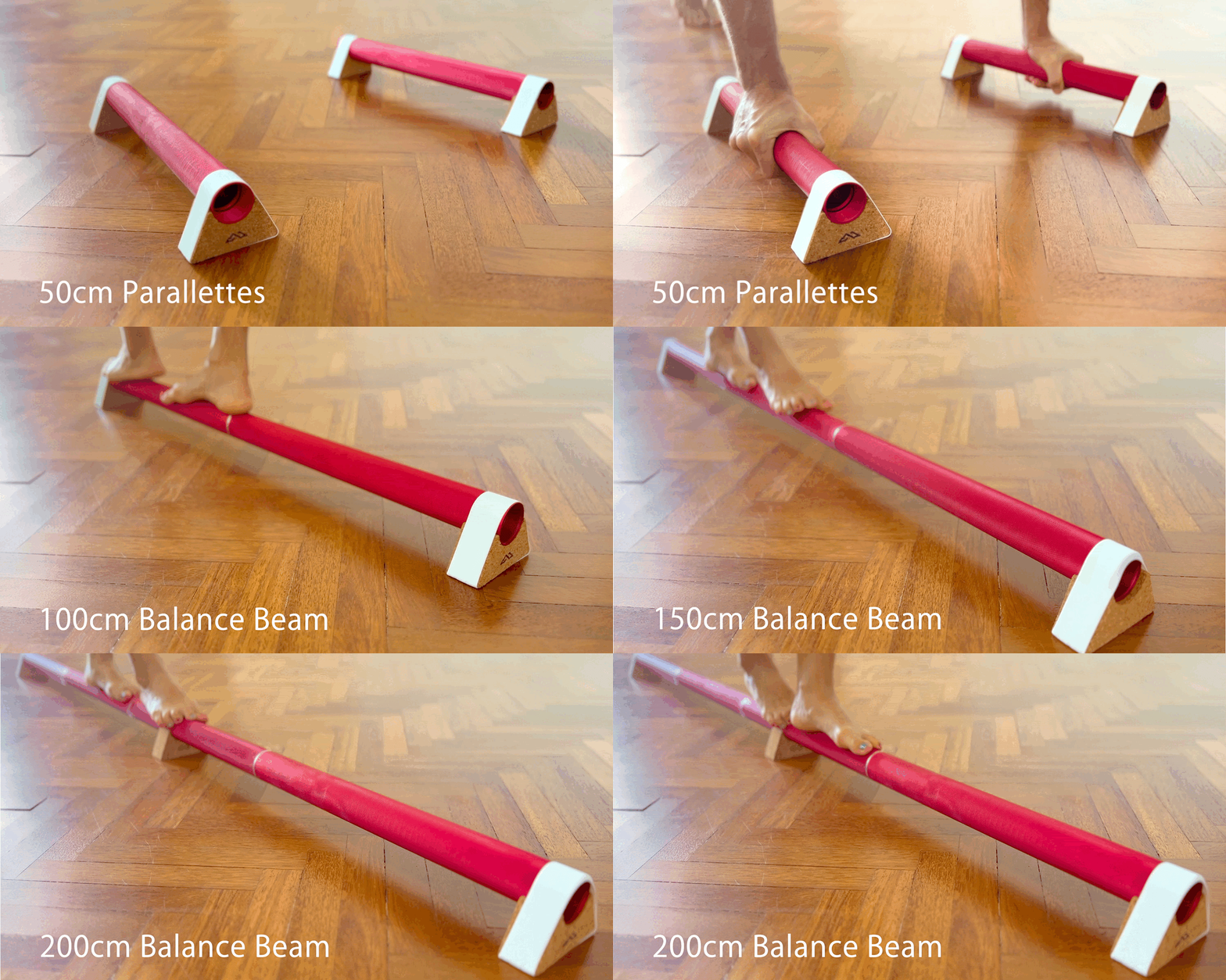
The beam is built from connectable 50cm sections of aircraft-grade aluminium, so you can start with a 100cm beam and add length as your balance improves. Cork support stands lift it off the floor and toe bands keep everything secure. Use it as a balance beam, a massage rail, a calf-raise bar or, with the Beam/Parallettes option, as a parallette for floor work. Choose the NeuroBeam™ when you want a textured surface and the option to extend the beam later.
Two textures are offered. The Standard texture is a finely ridged surface for daily use: it gives excellent grip and gentle stimulation, and suits beginners, long sessions and standing at a desk. The Extreme texture has deeper, wider grooves and more pronounced ridges for a much stronger sensory hit; it's best for experienced users and short daily sessions.
Anyone from beginners to advanced users working on balance, coordination and foot strength; pick Standard texture if you're new to barefoot training and Extreme if you want the strongest stimulation.